


Know where every laptop is, and who has it
Company hardware tracked from purchase to recovery — with a custody trail you can actually audit.
Laptops, monitors, phones, SIM cards, access cards, headsets, furniture and software licences: registered, assigned to a named employee, tracked through repair and warranty, and recovered at exit. Because assets sit inside your HRMS, day-one issue and last-day recovery are part of onboarding and exit — not a spreadsheet somebody forgot.
The things you’d only notice by looking
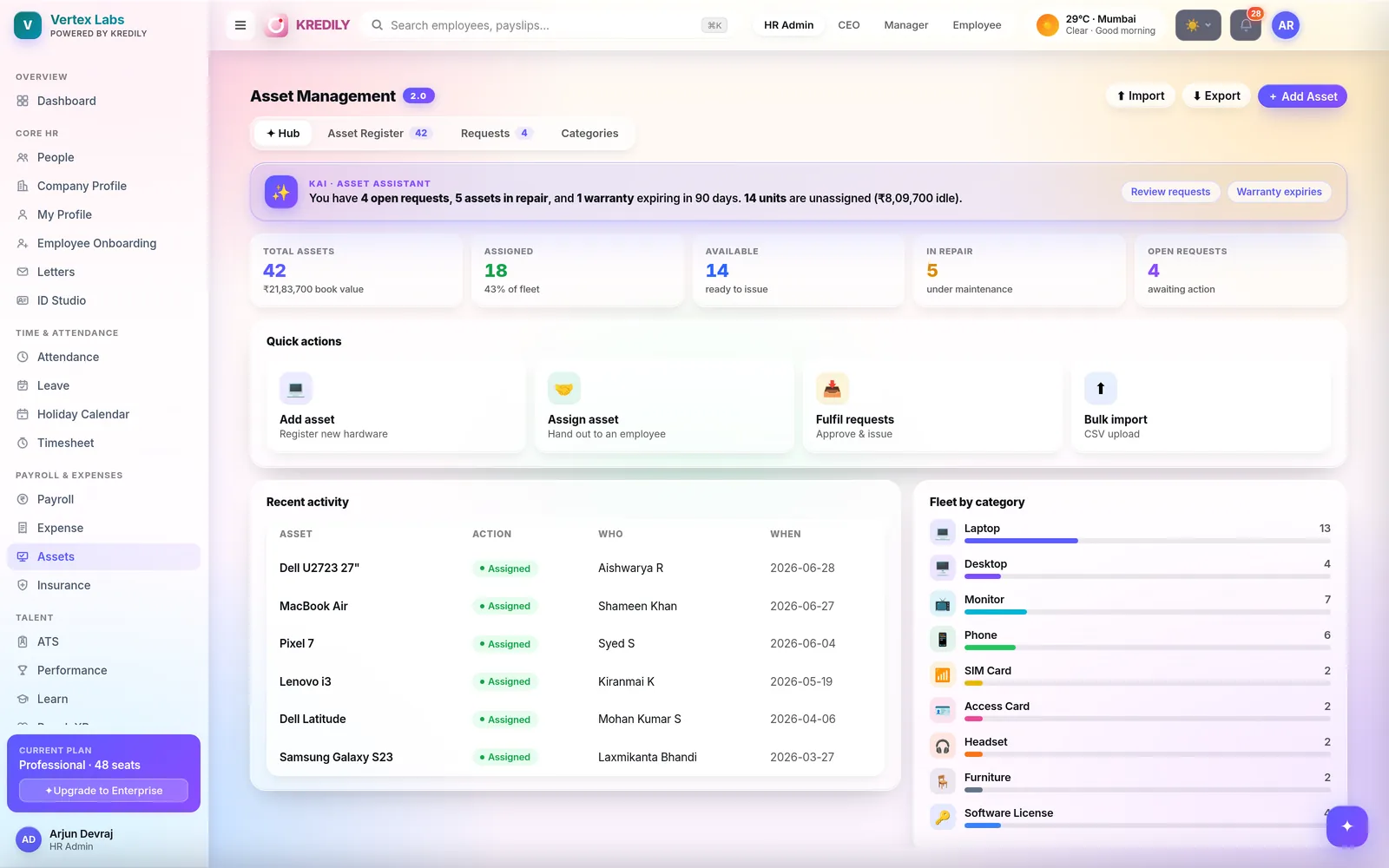
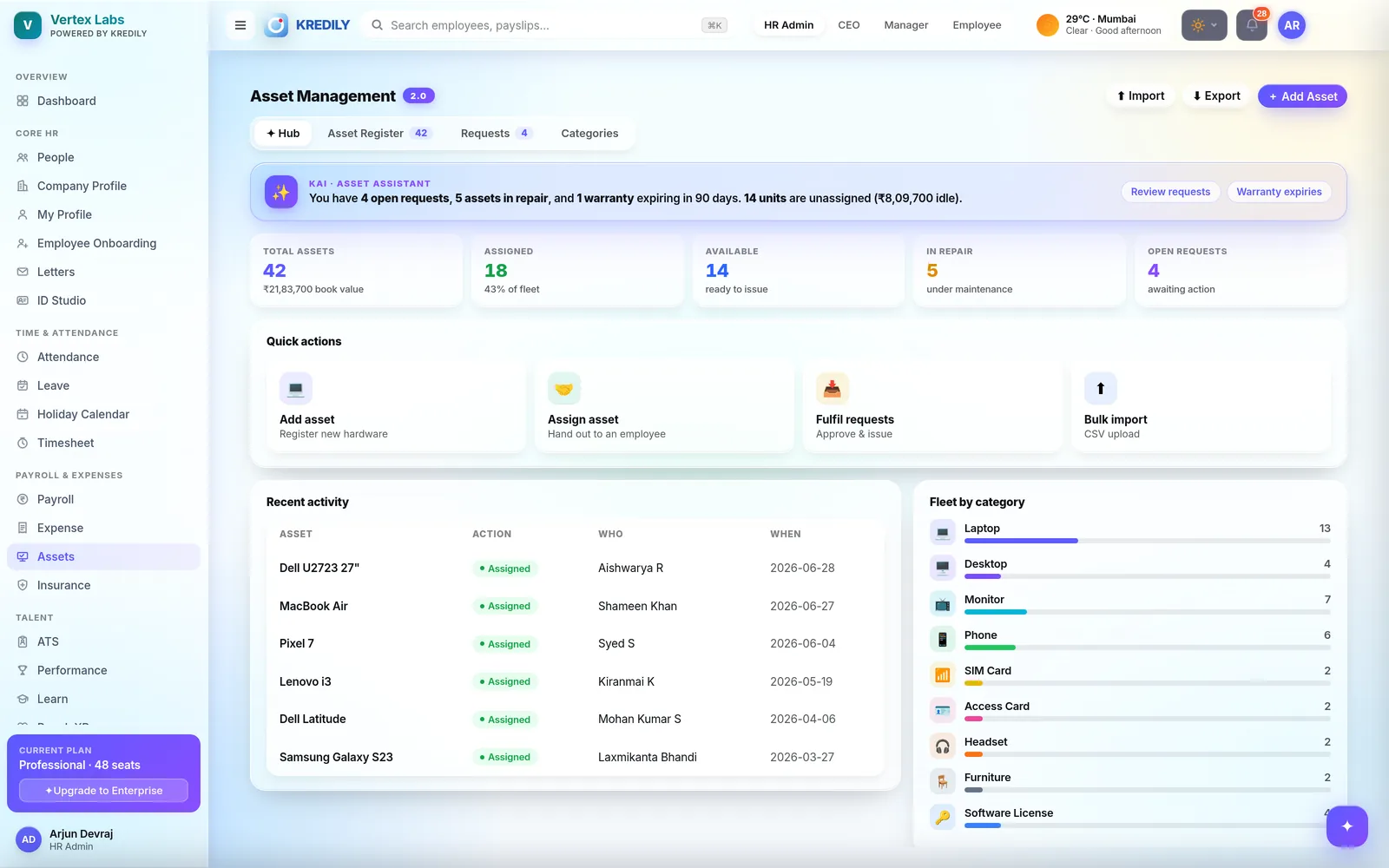
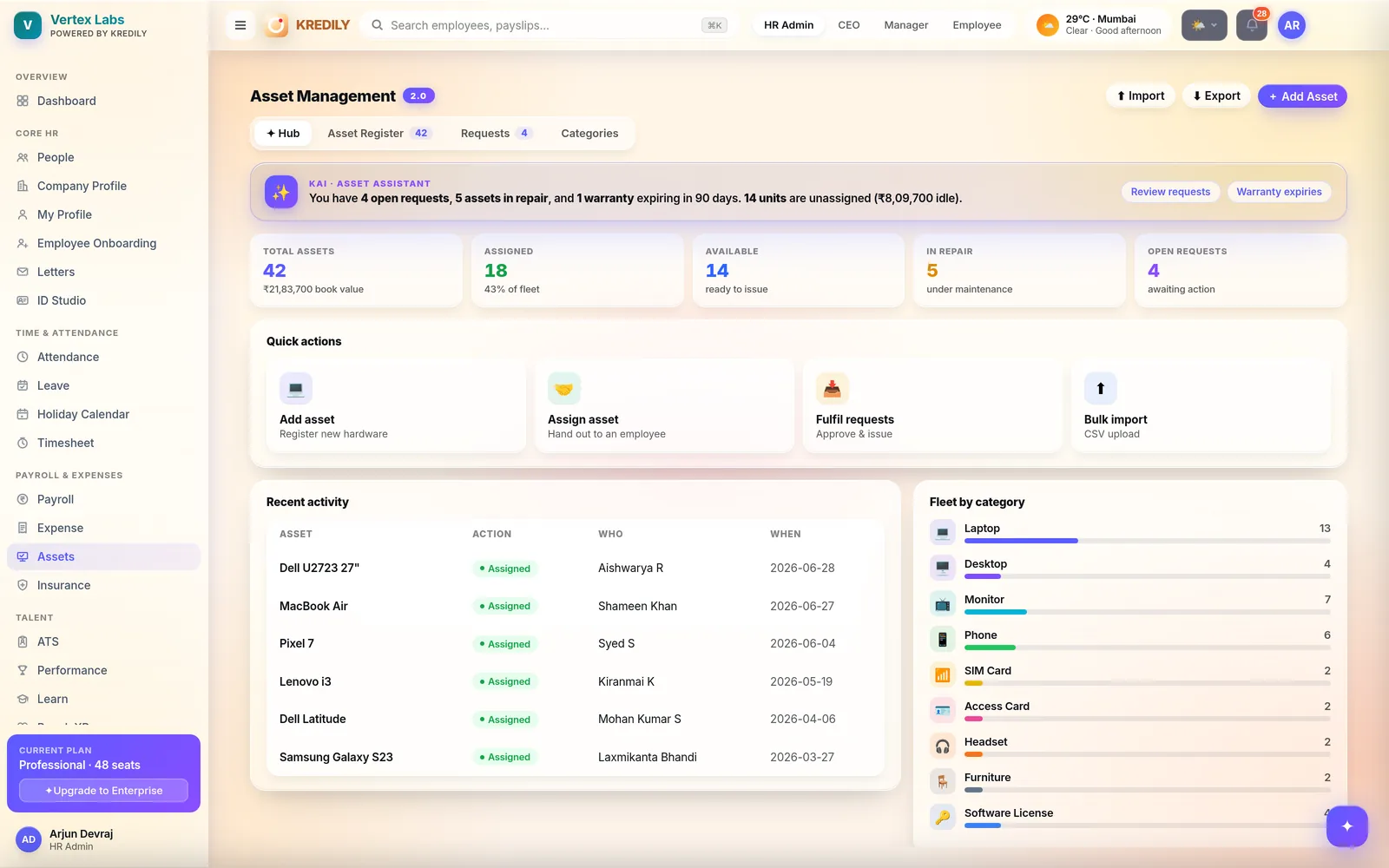
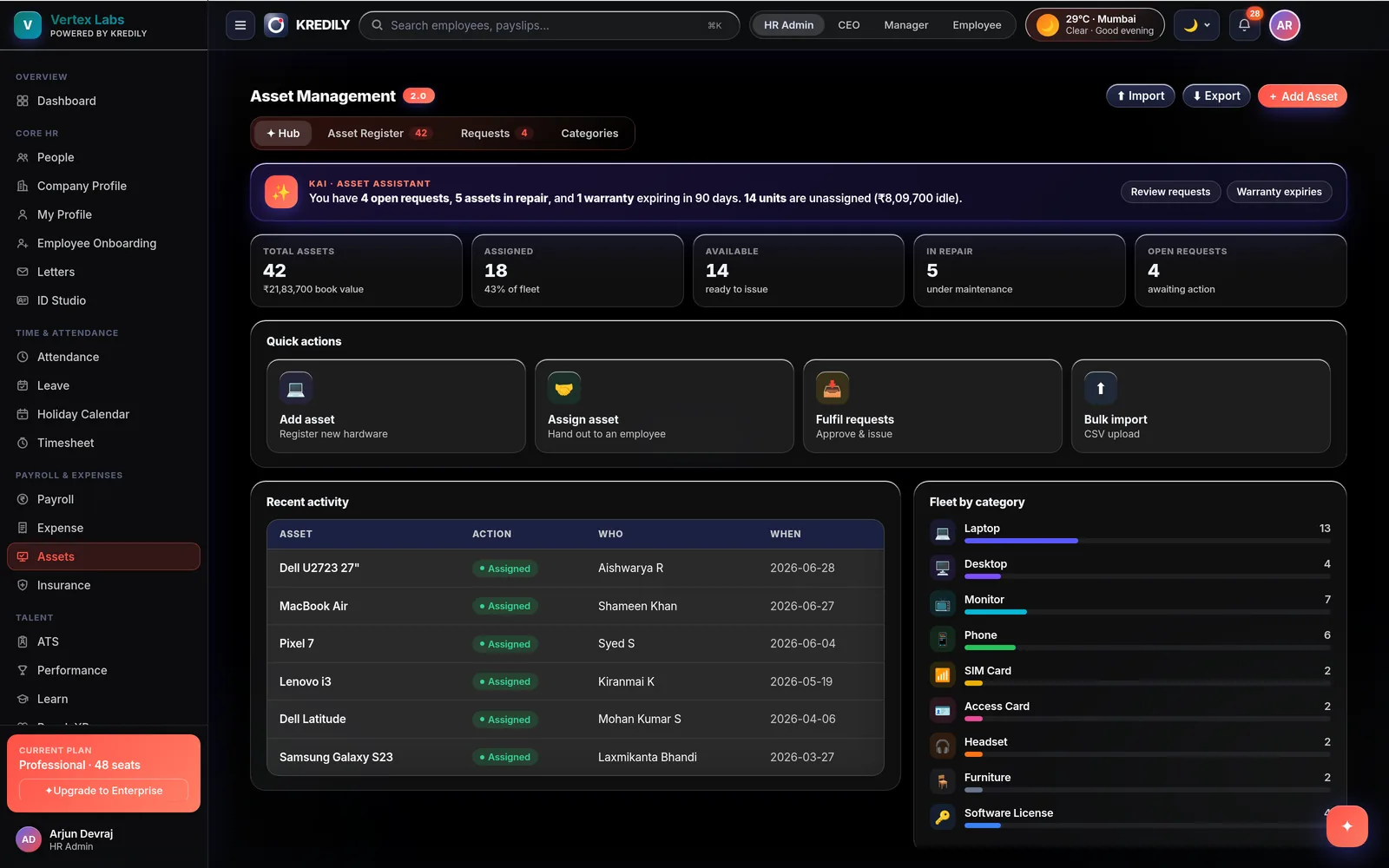
Kai reads the fleet every day and tells you what needs a decision — instead of waiting for you to open a report.
Requests waiting on you
Open asset requests surfaced with a one-tap review, so a new joiner isn’t on day three without a laptop.
Warranties about to lapse
Anything expiring in the next 90 days, flagged while the claim is still free — not after you’ve paid for the repair.
Idle money
Unassigned units counted and valued. “14 units unassigned, ₹8.1L idle” is a procurement decision you can act on.
An asset register that stays true
One record per asset, one owner at a time, and a history of every hand-over in between.
Asset register
Every unit with its category, identifier, book value, condition and current holder. Search it, filter it, export it — no parallel spreadsheet.
Assign & hand over
Issue an asset to a named employee, transfer it when someone changes role, and every movement is stamped with who, what and when.
Employee requests
Employees raise a request from the app; you approve and issue in one action. The request, approval and issue live on one thread.
Repair & condition
Mark a unit under maintenance and it drops out of the available pool automatically — so nobody promises a laptop that’s at the service centre.
Warranty tracking
Purchase and warranty dates held against the asset, with expiry surfaced before the window closes.
Bulk import & export
Start from the CSV you already keep — import the whole fleet in one upload, and export it back out whenever finance asks.
Five numbers that answer most questions
The hub opens on the state of the fleet, not an empty search box.
Total assets & book value
How much hardware you own and what it’s carried at — the number finance asks for at close.
Assigned
Units in employees’ hands, as a count and as a share of the fleet.
Available
Ready to issue today. This is the number that tells you whether to buy before the next intake.
In repair
Under maintenance, and therefore not promised to anyone.
Open requests
Awaiting action, so nothing sits unanswered while someone waits to start work.
Not just laptops
Anything you hand an employee and expect back — grouped so you can see the mix at a glance.
Hardware
- Laptops & desktops
- Monitors
- Phones
- Headsets & peripherals
Access & connectivity
- SIM cards
- Access & ID cards
- The ones that matter most at exit
Other
- Furniture
- Software licences
- Your own categories
Issued on day one. Recovered on the last.
A standalone asset tracker never knows who joined or who resigned. This one does.
Requested at onboarding
The asset request is part of the joining checklist, raised before the start date rather than on it.
Issued & acknowledged
Assignment is recorded against the employee record, so the hand-over is documented rather than remembered.
Tracked through the tenure
Transfers, repairs and replacements all land on the same custody trail — including who had it before.
Recovered at exit
Outstanding assets appear on the clearance checklist, so full-and-final isn’t settled with a laptop still out.
From “ask around” to a system of record
On a spreadsheet
- Last updated by someone who has left
- No history — only the current guess
- Warranties lapse unnoticed
- Exits close with hardware unreturned
- Buying more because nobody can find the spares
On Kredily
- One register, updated as work happens
- Full custody trail per unit
- Warranty expiry flagged at 90 days
- Recovery gated into exit clearance
- Idle stock valued, so you buy what you need
Asset management questions, answered
What kinds of assets can I track?
Can employees request assets themselves?
Does it keep a history of who had an asset before?
How do I move our existing asset list in?
Will it tell me when a warranty is about to expire?
Can I see how much unassigned hardware is sitting idle?
How does asset recovery work when someone resigns?
What happens to an asset that goes for repair?
Does asset management connect to onboarding?
Which plan includes asset management?
Explore the rest of the platform
Every asset accounted for.
Register the fleet, assign it to real people, and get it back when they leave — inside the HR system you already run.