


Ask for the report. Get the report.
Describe what you need in plain English — Kai assembles it from your live HR and payroll data.
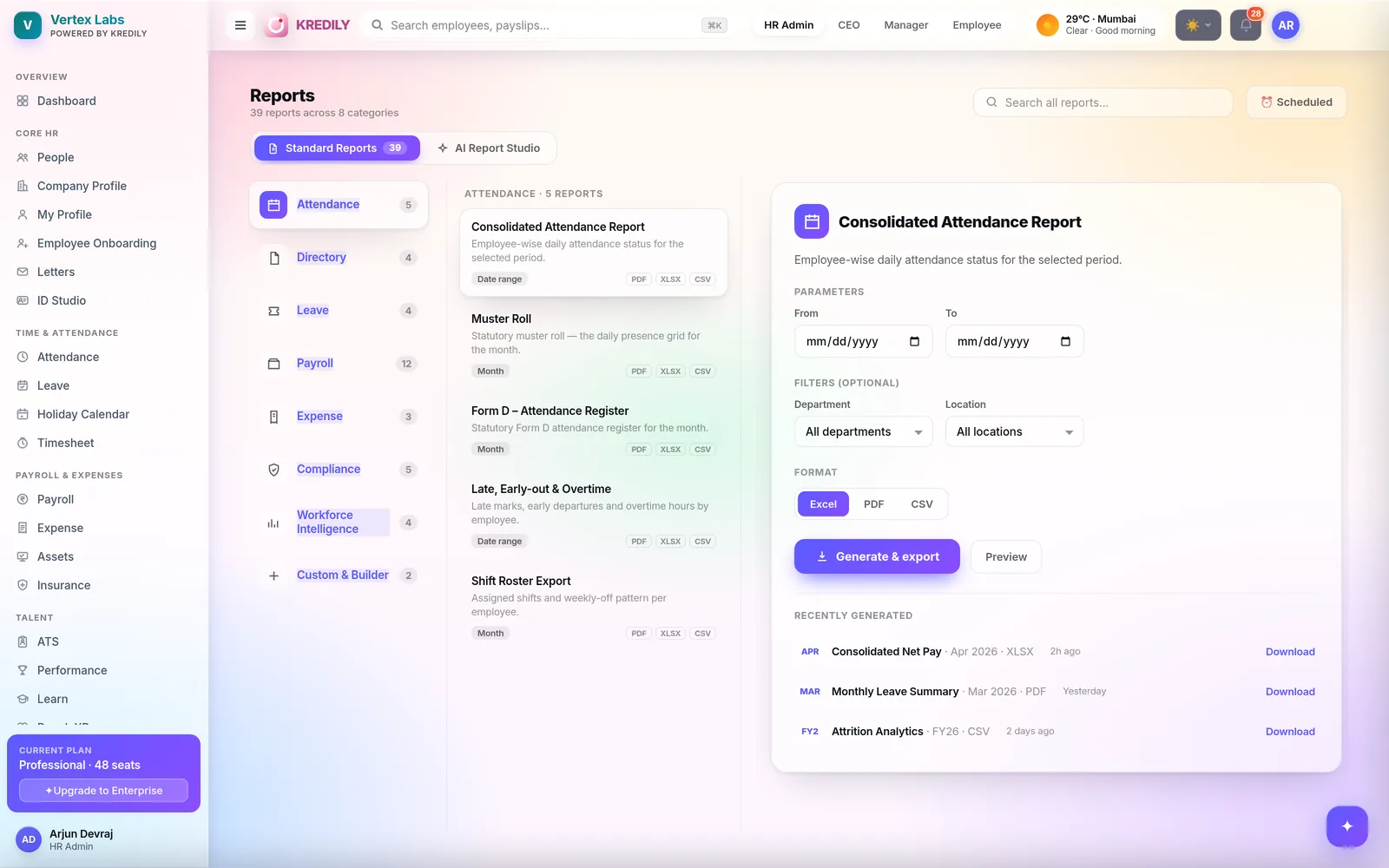
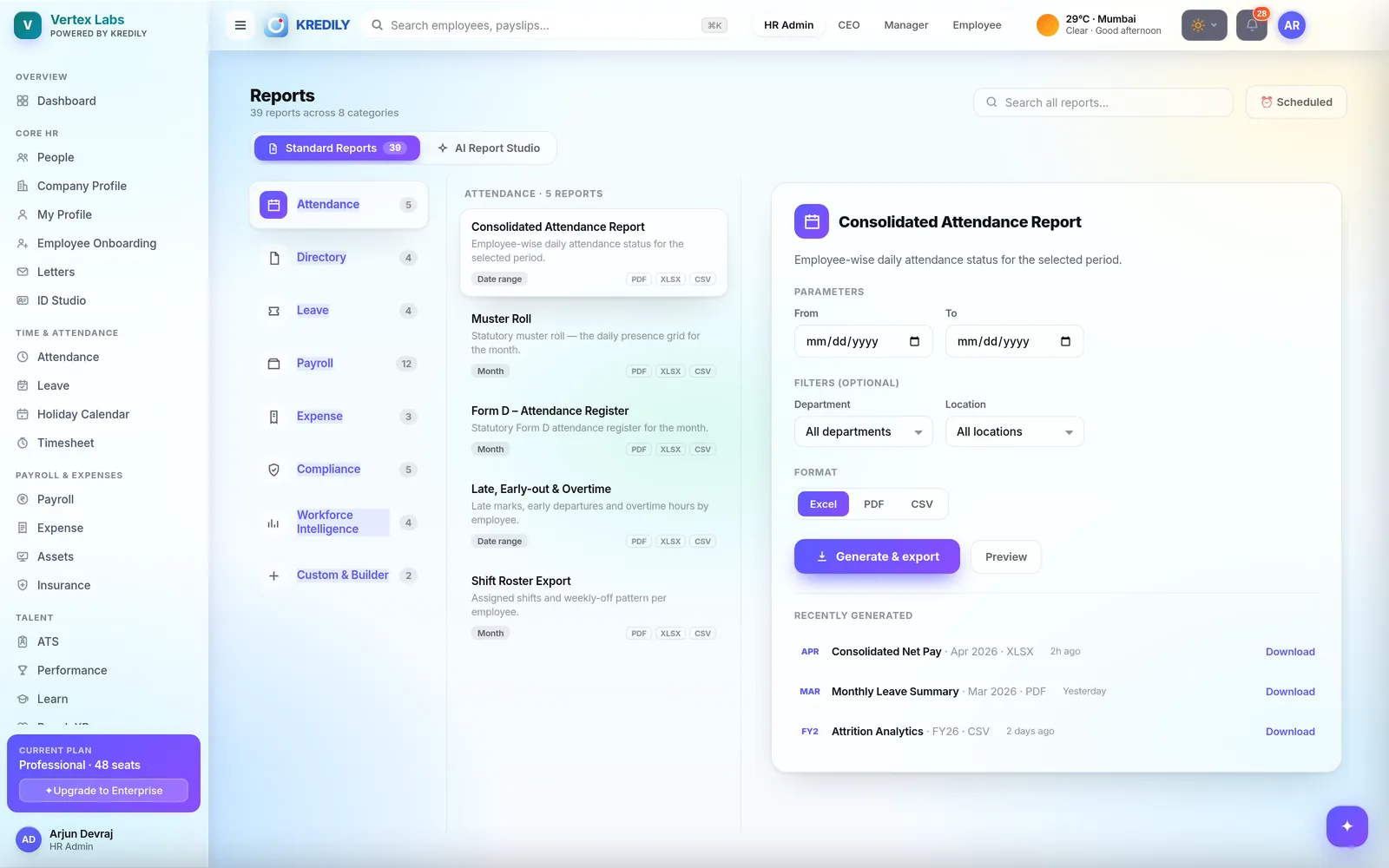
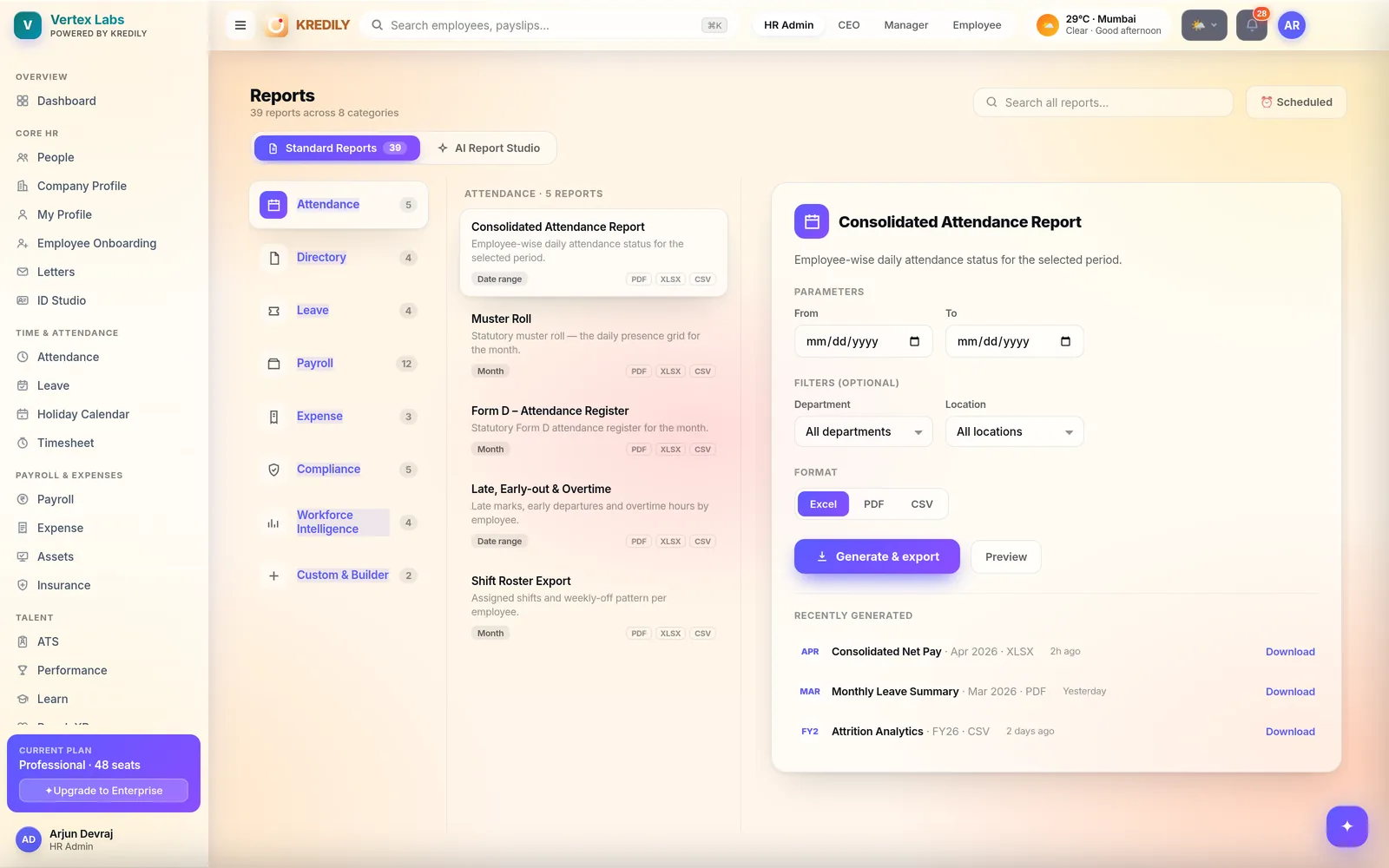
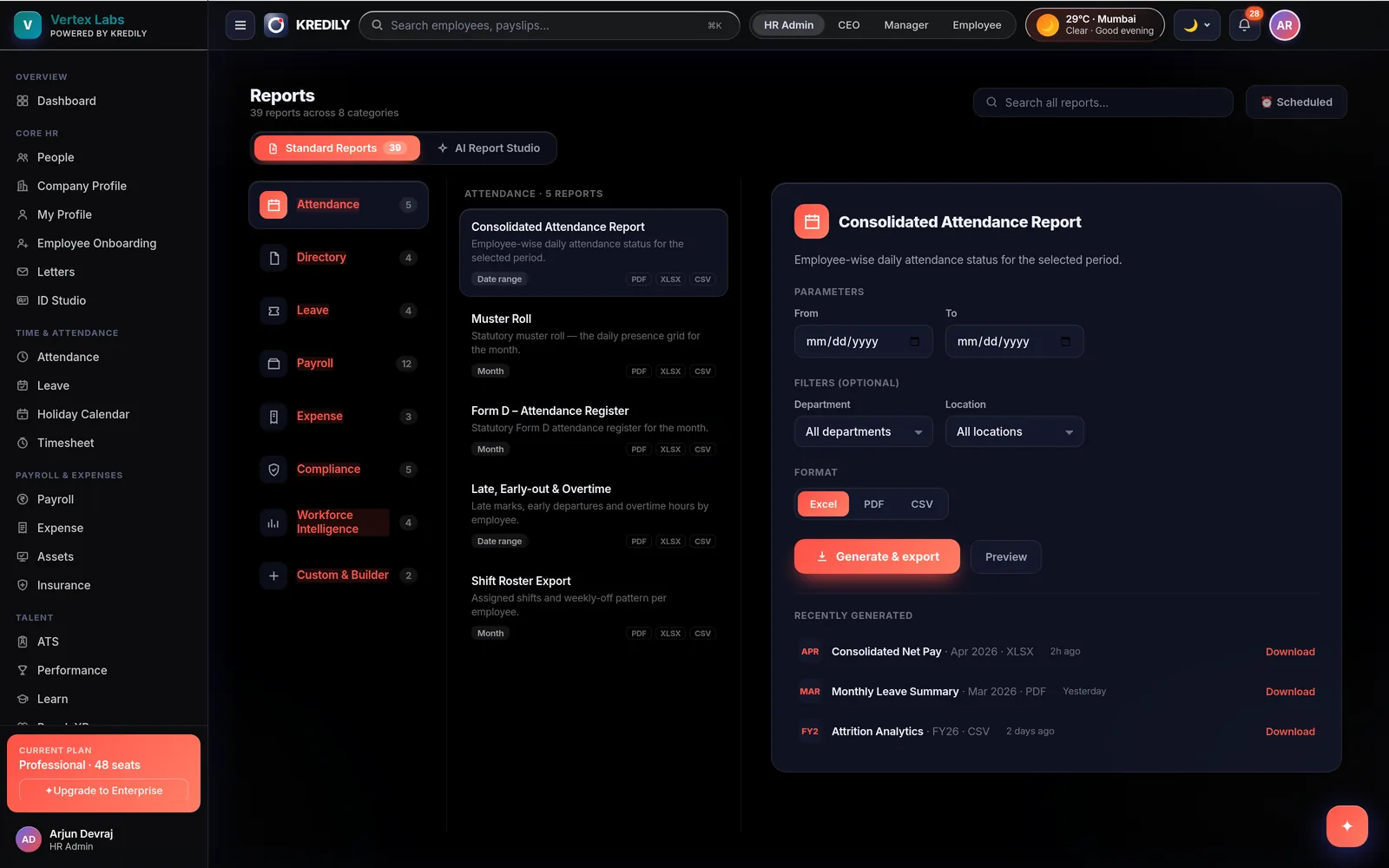
No drag-and-drop builder to learn, no report-request ticket, no analyst in the middle. And when you want something standard, 39 ready-made reports across 8 categories are one click away — payroll registers, statutory returns, attendance MIS — exportable to Excel, PDF or CSV.
The questions you gave up on asking
These aren’t in anyone’s standard report library. In the Studio they’re one sentence.
“Overtime hours by department, last quarter”
Cross-module by nature — attendance hours against the org structure. Two exports and a pivot table, or one sentence.
“Everyone whose PF didn’t deduct last month”
The report you only want once, urgently, the day before a filing. It gets built in the time it takes to ask.
“Joiners in Bengaluru still missing documents”
Onboarding status filtered by location. The Studio reaches across modules because it’s reading one data core.
“Cost per employee, by grade, versus last year”
A board question. Ask it, export it as a PDF, put it in the deck — without briefing anyone.
Four steps, and none of them is “learn the builder”
Describe it
Type the report the way you’d ask a colleague for it. No field pickers, no join logic, no query language.
Kai drafts it
Kai assembles the report from your live data — and drafts only from what’s actually there. It never invents rows.
Check the working
The draft comes with the question and the evidence attached, so you can see where each number came from before you send it on.
Save it, schedule it
A one-off answer becomes a saved report you can re-run — or have delivered on a schedule, so you never ask twice.
Generated, not guessed
An AI that makes up a headcount number is worse than no AI. Three guardrails make the Studio’s output safe to forward.
Grounded in your data
- Drafts only from data you already hold
- Never invents rows to fill a gap
- Same numbers as the standard reports
- Computed from approved payroll runs
Inside your permissions
- Leaders see the company
- Managers see their team
- Employees see themselves
- Asking never widens access
Auditable output
- Question and evidence travel with the export
- Re-runnable, so results are reproducible
- Beyond its scope it hands off, never bluffs
39 reports you don’t have to ask for
The recurring, statutory and finance-facing outputs are already built — because a filing format should never be a prompt.
Payroll · 12
The biggest category — Pay Register, Salary / CTC Register, Consolidated Net Pay, plus Form 16, Form 24Q, PF ECR and ESI returns.
Attendance · 5
Consolidated Attendance Report, statutory Muster Roll, Form D register, late / early-out & overtime, Shift Roster Export.
Compliance · 5
Challan and return registers across PF, ESI and Professional Tax, state by state — the pack your CA and inspectors ask for.
Leave · 4
Monthly leave summary, balances and encashment — the same balances payroll used, so leave and loss of pay always reconcile.
Directory · 4
Headcount, joiners and exits, and full employee master extracts for audits, bank onboarding or insurance enrolment.
Expense · 3
Claim registers by employee, department and status — reconciled against the payroll cycle that settled the reimbursement.
Workforce Intelligence · 4
Attrition analytics, headcount movement and cost trend as flat files, when you need the numbers outside the cockpit.
Custom & Builder · 2
Prefer to build it by hand? Choose the fields, filters and grouping yourself, then save it and run it every month.
Built for the people who receive them
Finance wants Excel. Your CA wants the statutory format. Leadership wants it in the inbox on the 1st.
Formats
- Excel (XLSX) for anything finance will pivot
- PDF for registers, muster rolls and sign-off
- CSV for uploads into another system
- Statutory files in the format the portal expects
Parameters
- Month or custom date range
- Department
- Location — for multi-state teams
- Preview before you download
Delivery
- Scheduled recurring delivery
- Recently generated — re-download in a click
- Same numbers for every recipient
The pack your CA asks for, without the scramble
Statutory registers come out of the payroll runs you already approved, so the numbers reconcile by construction.
Statutory registers
Muster Roll and Form D attendance register for the month — the documents an inspection actually asks to see.
Filing outputs
PF ECR, ESI returns, state-wise Professional Tax, TDS Form 24Q and Form 16 — generated from the run, not rebuilt by hand.
Hand it to your CA
Export the pack and share it — or, on the CA programme, let them pull it themselves across every client company.
Reports answer a question. Workforce Intelligence watches for the ones you didn’t ask.
Two different jobs on one shared data core — so they never disagree.
Use Reports when…
- You have a specific question, now
- You need a file — finance, a bank, an auditor
- A statutory format has to be exactly right
- Someone downstream will do their own analysis
Use Workforce Intelligence when…
- You want the trend, not the table
- You need the why behind a number
- You want early warnings before it costs money
- It’s a standing watch, not a one-off ask
AI reporting questions, answered
What is the AI Report Studio?
Can I trust a report an AI generated?
Do I still get normal, ready-made reports?
What formats can I export to?
Can a report the AI built be saved and reused?
Does the AI see data the person asking shouldn’t?
Do reports cover attendance and leave, or just payroll?
Which statutory registers and returns are covered?
How is this different from Workforce Intelligence?
Which plan includes reporting?
Explore the rest of the platform
Stop building reports in Excel.
Ask for what you need in plain English — or take one of 39 ready-made reports. Either way the numbers come from your live data.