


Expense management software that pays people back on time
Snap the bill, submit the claim — tracked from receipt scan to reimbursement.
Employees raise receipt-backed claims from the app — Kredily can read the merchant, amount and date off the bill. Claims route through up to five approval levels with escalation, then land in a ready-to-reimburse queue that settles with salary or pays out standalone. No spreadsheets, no lost bills, no “where’s my money”.
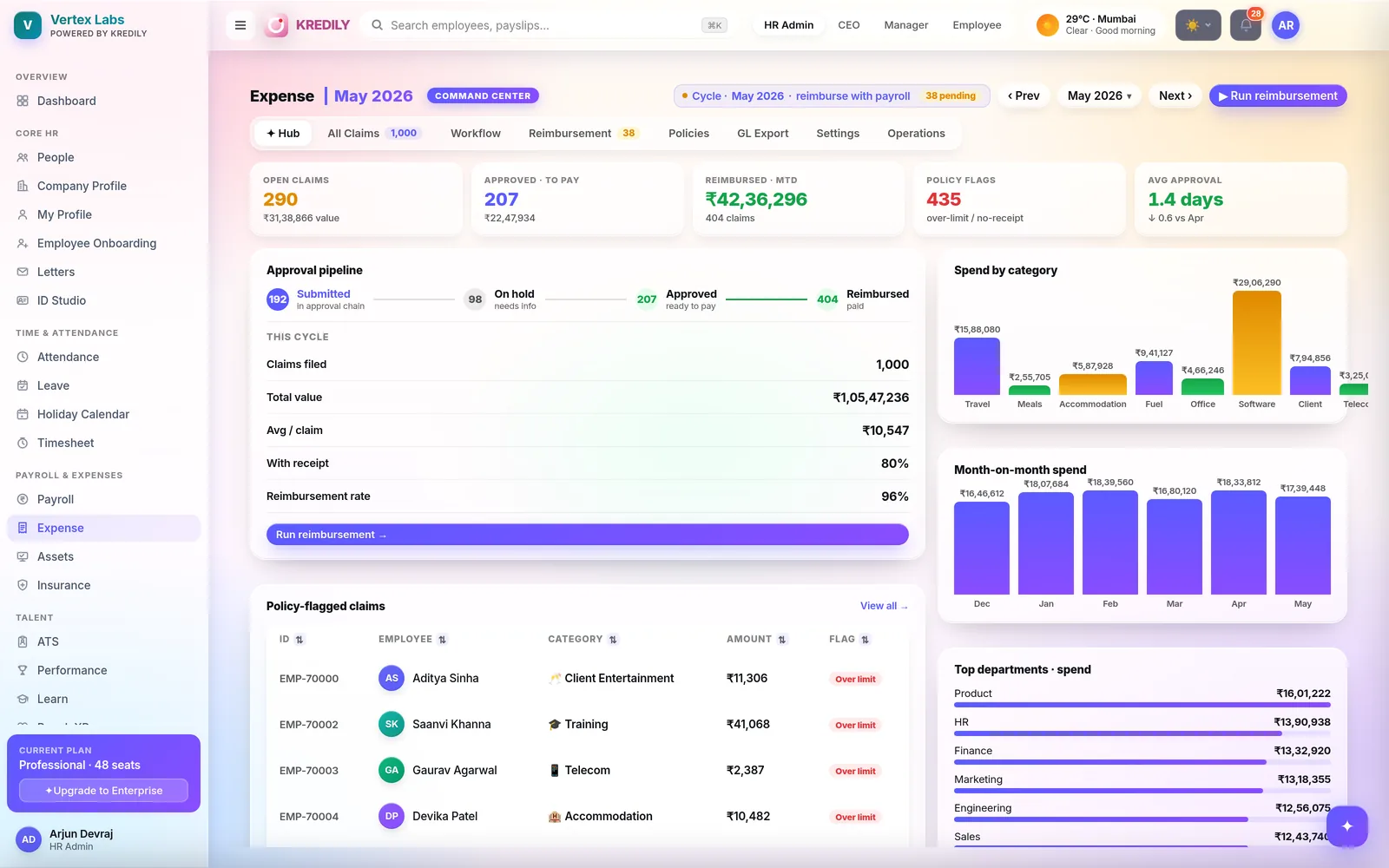
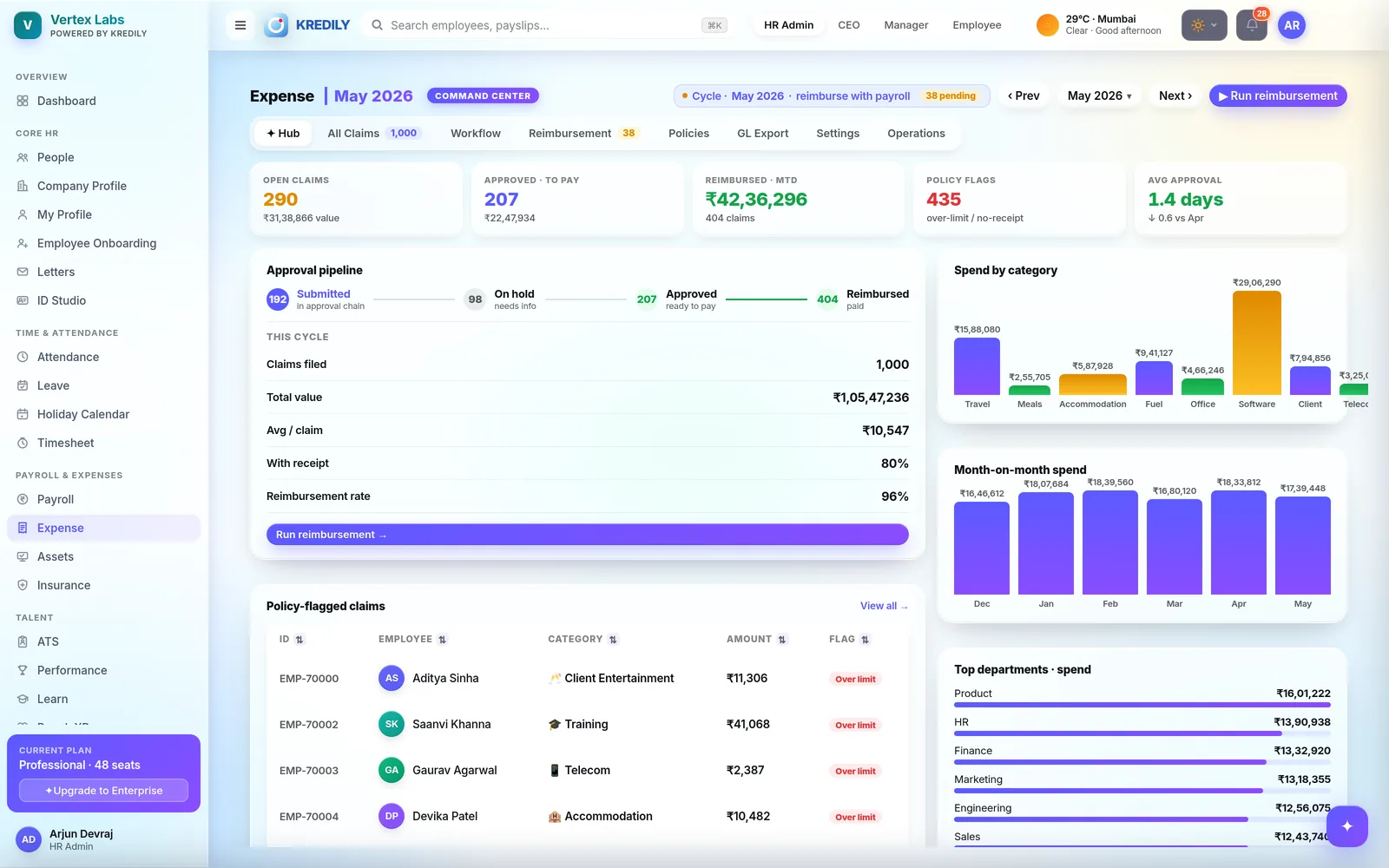
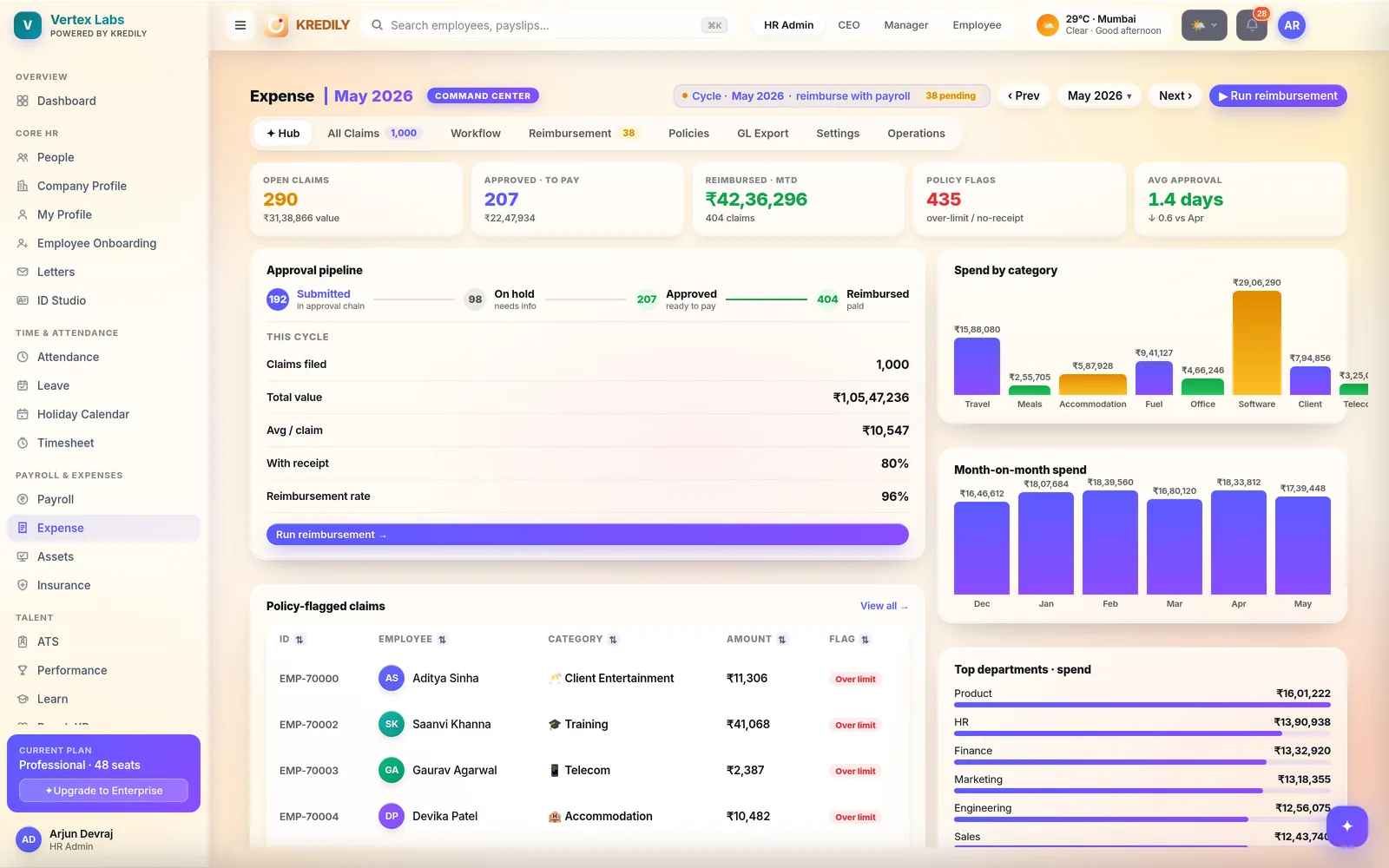
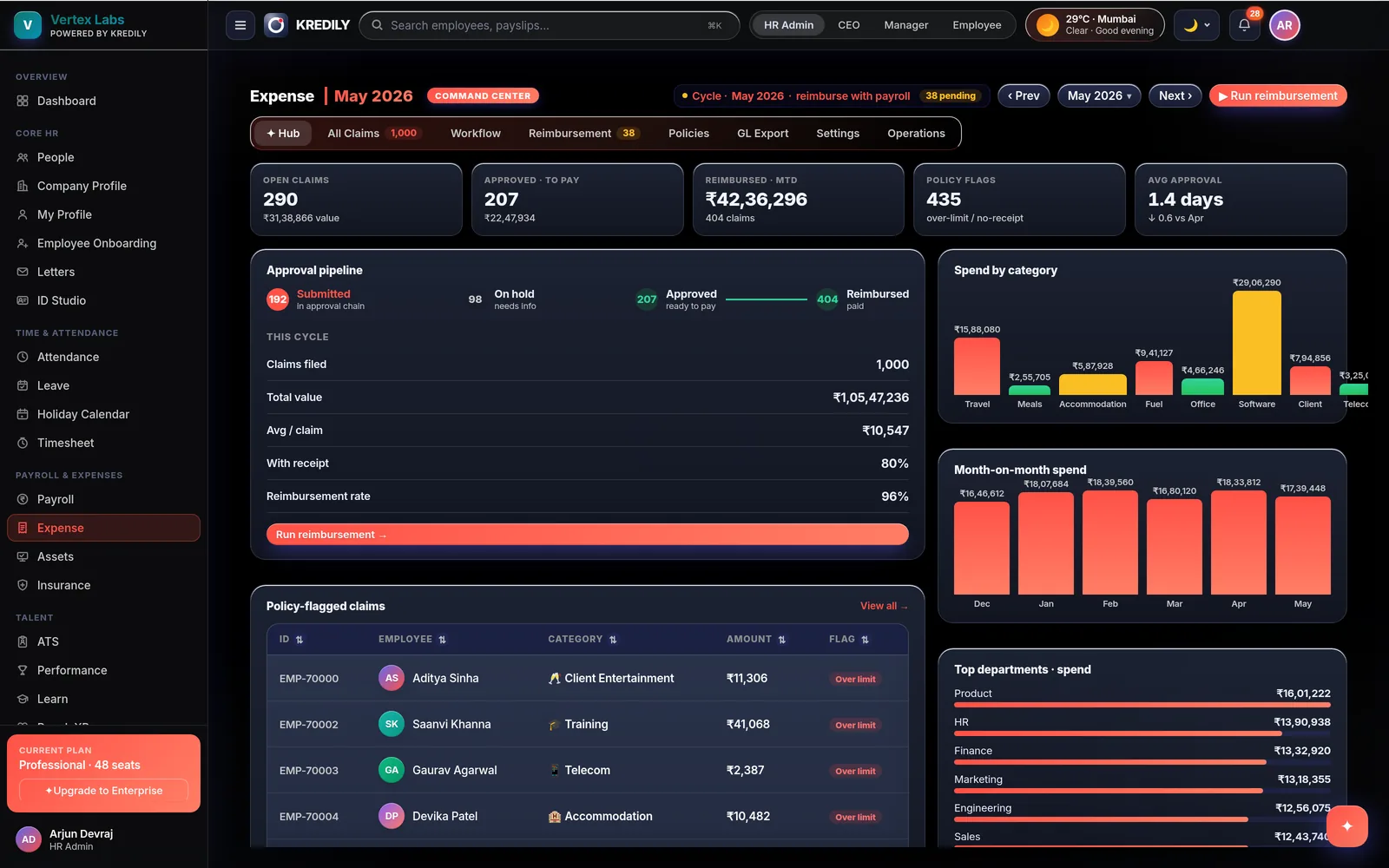
The claim fills itself — and the AI keeps watch
Less typing for employees, fewer surprises for finance. Approvals stay human.
Receipt scan
Drop a receipt (PDF, JPG or PNG) and Kredily reads the merchant, amount and date off the bill and fills the claim — employees just check and submit.
AI Copilot
“Where’s my ₹1,840 cab claim?” “What’s waiting in my approval queue?” — plain-English answers grounded in your real claims data, role-gated so everyone sees only what they should.
Anomalies flagged
Claims that miss a receipt, cross a category limit or arrive months late are flagged and routed for extra review — and Expense Intelligence surfaces fraud signals for finance.
The whole reimbursement cycle, in one place
Everything finance chases over email today — structured, visible and on time.
Claims in seconds
Category, date, amount and a receipt — from the employee app or web. Merchant and notes optional; the claim lands in the approver’s queue instantly.
Categories & limits
Configure categories like Travel, Meals, Fuel or Software with sub-categories (Flight, Train, Cab…) and per-category limits that claims are checked against.
Soft flags, hard blocks
Policy controls decide: a missing-but-recommended receipt or a mild overage gets flagged for extra review; a required-but-missing receipt or a far-over-limit claim is blocked outright.
Multi-currency
Travelling teams claim in foreign currency with live conversion to your base currency — accepted currencies and rates are yours to configure.
Bulk actions
Approvers tick claims and Bulk Approve or Bulk Reject in one go — a bulk rejection applies the same reason to every selected claim.
Behalf claims
Finance can add an expense for an employee — category, amount, department, payment mode — and queue it straight for payout. Offline reimbursements, on the record.
From one manager to a five-level chain
Route by amount, escalate when someone sits on it, and record every decision with a reason.
Build the chain
- Up to 5 approval levels, each assigned a role: Manager, Dept Head, HR Executive, HR Admin, Finance Admin or CEO
- Threshold routing — claims below the amount need the manager only; at or above it, the full chain
- Flagged claims route for extra review even under the threshold
Keep it moving
- Auto-escalation — a claim unactioned for N days (default 7) moves to the next approver automatically
- Auto-finalize after manager approval for lower-risk claims
- Restrict managers from approving their own reports’ claims; allow skip-approval where you want it
Decisions on record
- Partial approval — approve ₹900 of a ₹1,200 meal; the employee sees exactly what was and wasn’t paid
- Rejections require a reason, shown to the employee — nothing disputed later
- Chain history on every claim — see exactly where it sits (e.g. Manager · L1/2)
A ready-to-reimburse queue, not an inbox
Approved claims wait in one payout queue, filtered by financial year and month — finance runs the batch, employees see the status.
The payout queue
Every approved claim with employee, category, amount, payment mode and payout status — and a ready-to-reimburse banner totalling what’s due this cycle.
Pay your way
Bank transfer by default, or UPI, cash and cheque per claim. Use Mark paid to record payouts made outside Kredily, and Check status to refresh one in flight.
With salary, or standalone
Push approved claims to payroll so reimbursements land with salary — or run a standalone reimbursement batch any day of the month.
Status, end to end
Unpaid → Initiated → Pending → Paid, with Failed and Hold handled explicitly — and the employee’s claim reflects the payout, so they see it too.
Finance only touches the exceptions
Risk scoring, GST intelligence and fraud signals run over every claim — Autopilot clears the low-risk queue so your team reviews what actually needs eyes.
Risk scoring & Autopilot
- Every claim scored; the queue ranks by risk with a plain-English "why"
- Autopilot clears low-risk claims — in policy, receipt present, no duplicate
- A risk dashboard shows pending claims by level and flags by type
GST intelligence
- GST identified on receipts per category — with input-tax-credit eligibility
- GSTIN status tracked per merchant; missing GST flagged for finance
- Stop leaking input tax credit on employee-paid expenses
Fraud signals & merchants
- Advanced fraud screen: duplicates, split claims and pattern signals — scored, with linked claims
- Merchant analytics: top merchants, spend, average per claim, health
- A finance sign-off queue for everything the signals catch


Expense Intelligence for finance
Every claim feeds Kredily’s leadership cockpit — spend included.
Spend, decoded
Expense spend by category, department and merchant — computed from actual claims, with merchant analysis on top.
Fraud signals
A finance review queue surfaces flagged claims and fraud signals — missing receipts, limit breaches and unusual patterns — before they’re paid, not after.
Connected to payroll
Reimbursement outflow alongside payroll cost, per team and per month. Explore the full cockpit in Workforce Intelligence.
Three steps to reimbursed
Employee submits
Snap the receipt; the scan fills merchant, amount and date. Pick a category, submit — status starts at Submitted.
Approvers decide
Approve in full or in part, reject with a reason, or bulk-action the queue — threshold routing and escalation keep claims from going stale.
Finance pays
Run the reimbursement batch — with salary or standalone, by bank, UPI, cash or cheque — and every payout status is tracked to Paid.
Expense management questions, answered
How do employees submit expense claims?
Can Kredily read receipts automatically?
Can a manager approve part of a claim?
How many approval levels can I set up?
What happens if an approver sits on a claim?
Does Kredily enforce expense policies?
How are reimbursements paid out?
Can finance raise a claim on an employee’s behalf?
Can employees claim in foreign currency?
Can Kredily detect duplicate or fraudulent claims?
Does Kredily identify GST and input tax credit on expenses?
Is expense management included free?
Explore the rest of the platform
Stop chasing bills. Start closing claims.
Receipt scans, five-level approvals and payouts that land with salary — by bank, UPI, cash or cheque.