


Offboarding and FnF, without the scramble
A clean exit every time — resignation, clearances, settlement and documents in one flow.
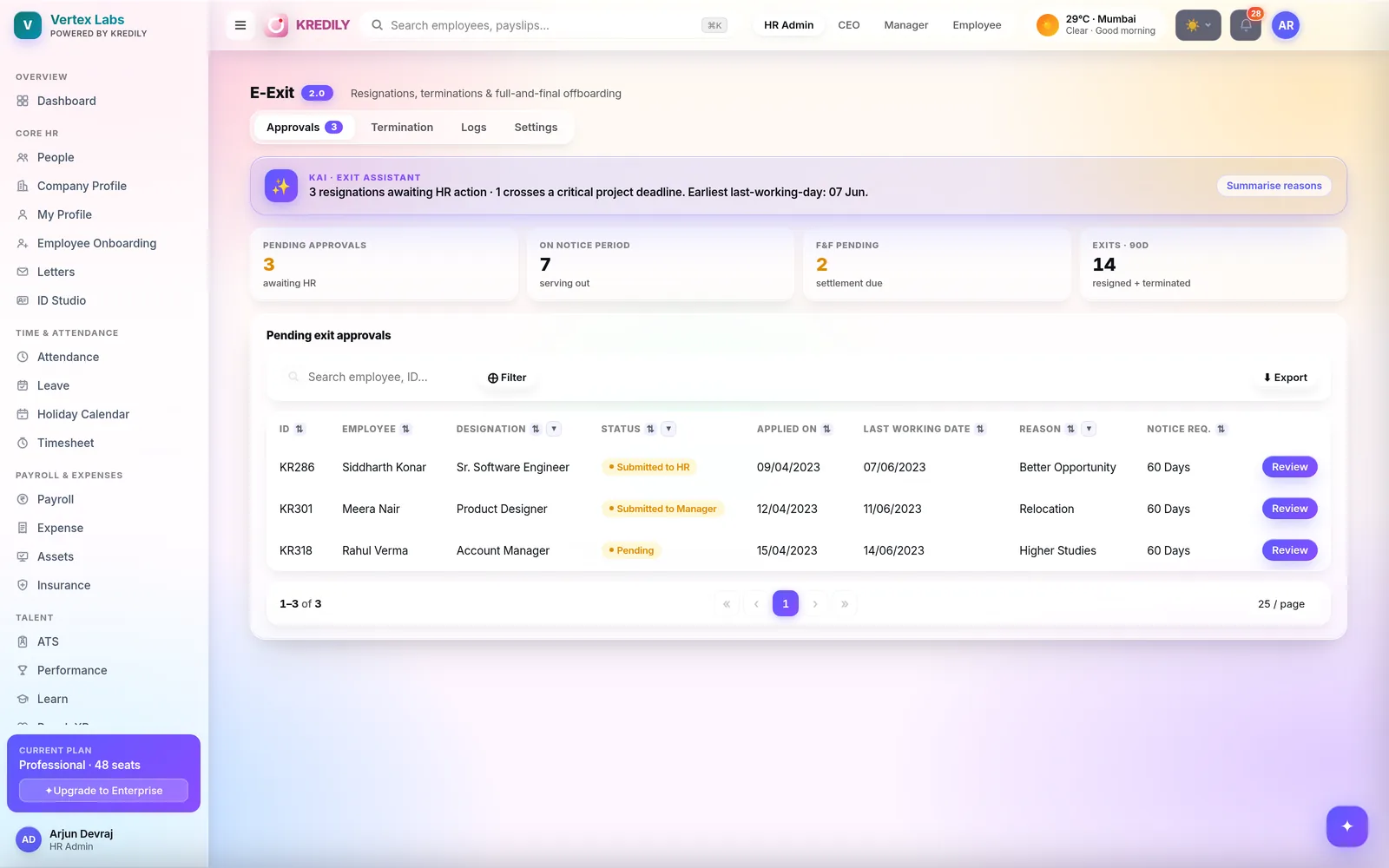
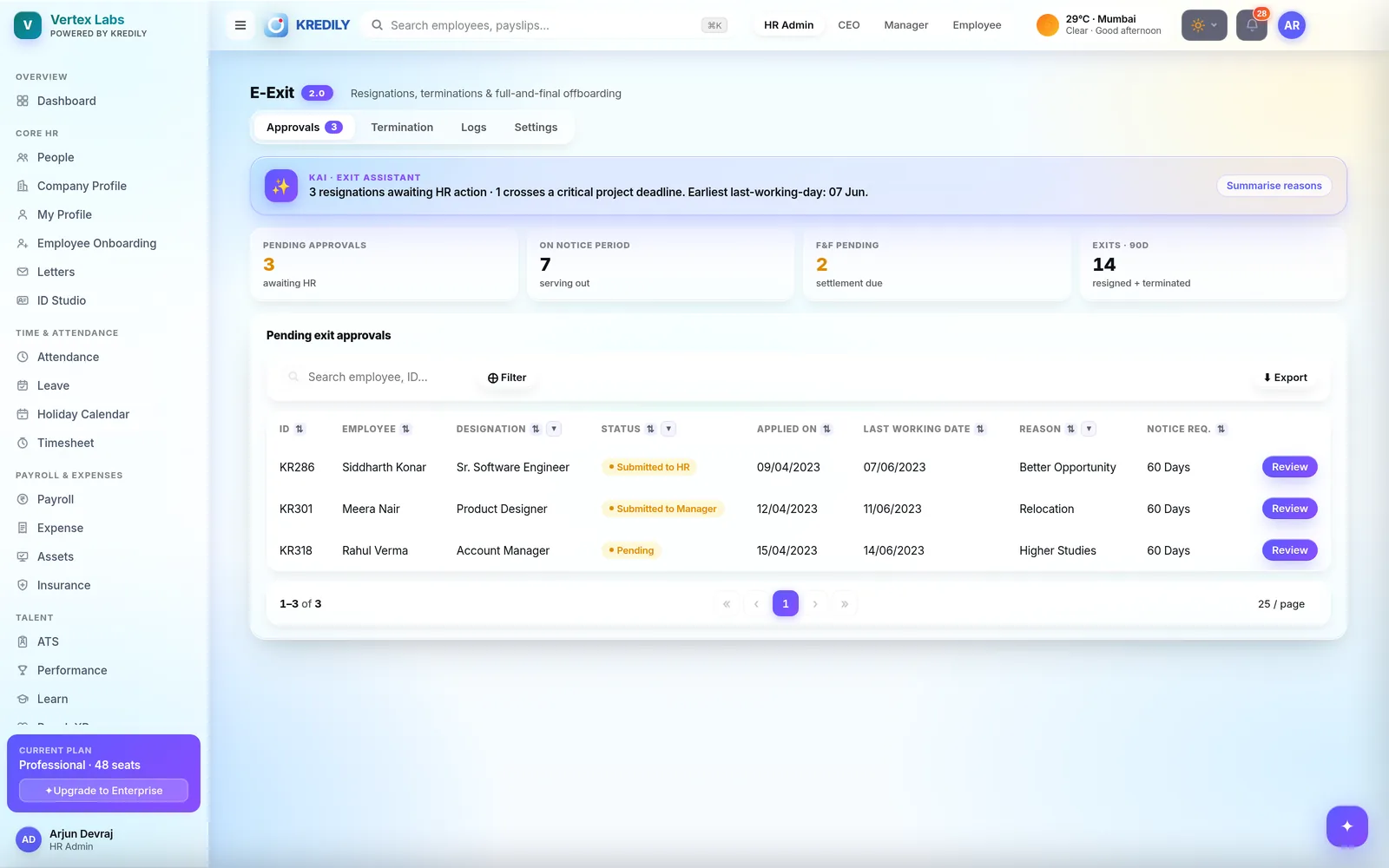
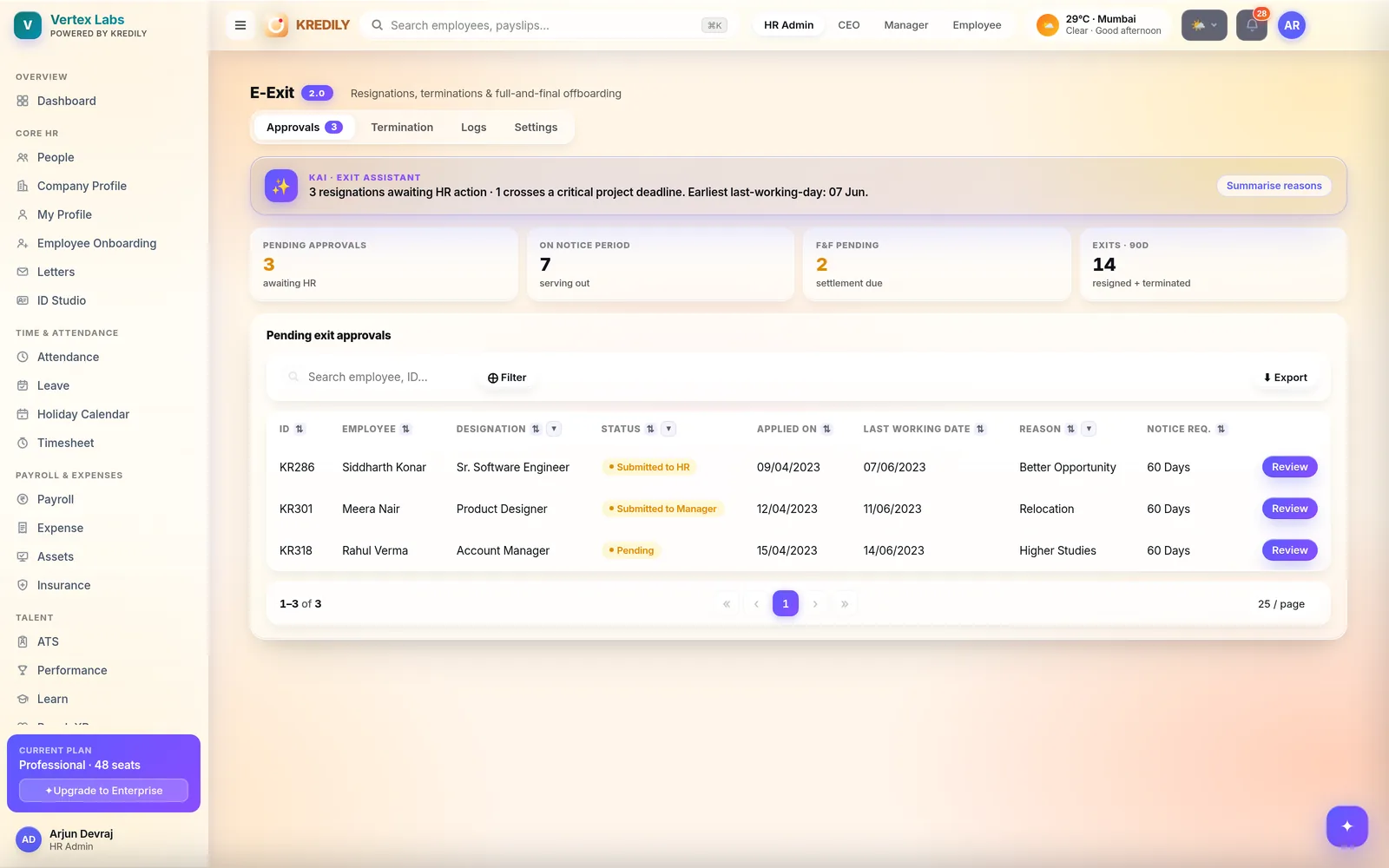
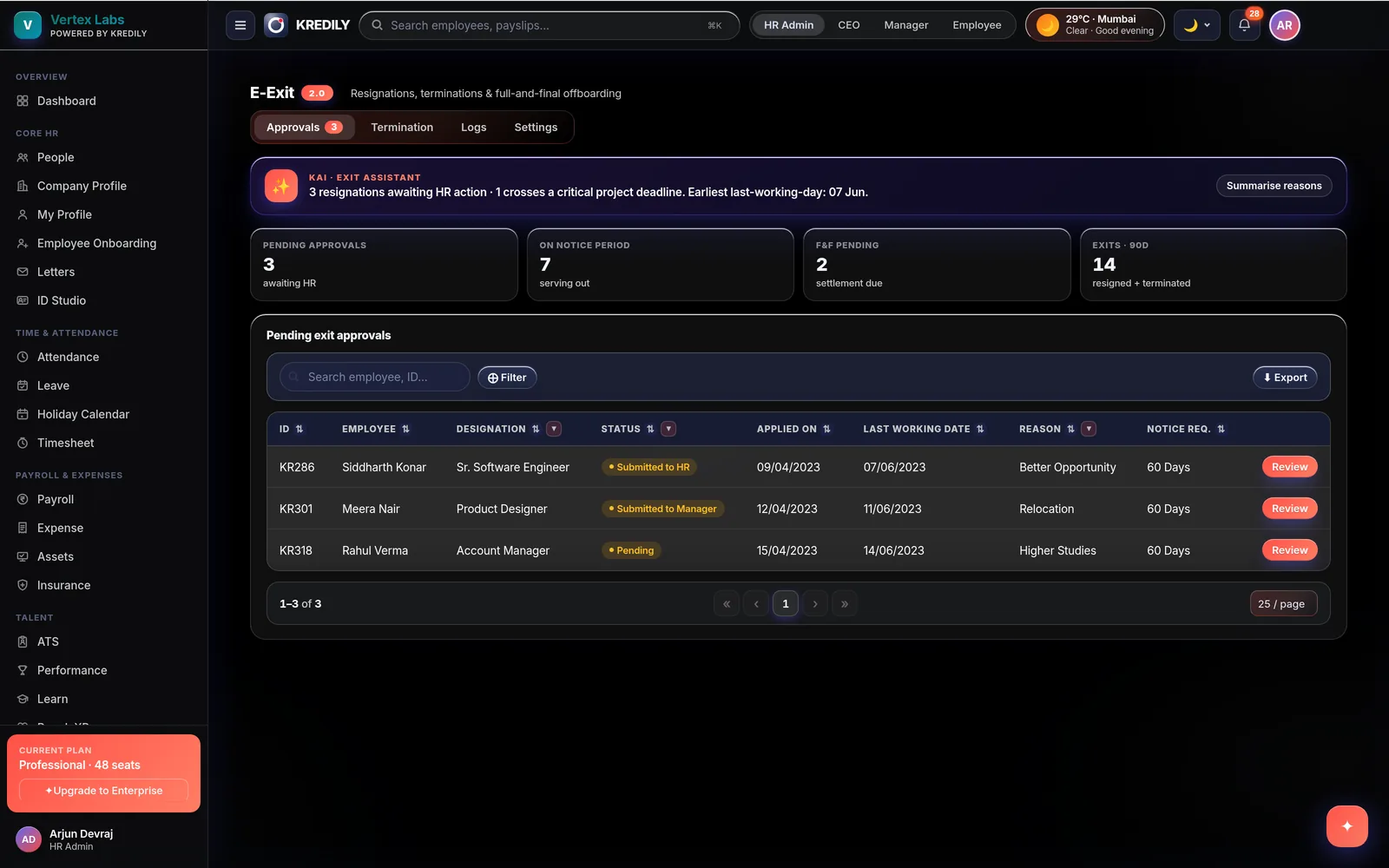
Kredily runs offboarding end to end: capture the resignation and last working day, track clearances and handover, compute the exit settlement on the same payroll engine that prorates every partial month, and generate the relieving and experience letters — so leavers are settled correctly, on time, with nothing left hanging.
Nothing left hanging — the AI checks
Exits are where loose ends cost money. The AI Copilot answers from your real records, role-gated, with humans approving every irreversible step.
HR asks
“Which exits are still pending clearance this month?” — the AI Copilot answers from live exit records, visible only to roles allowed to see them.
Employees ask
“What will my final settlement include?” — plain-English answers grounded in the leaver’s own salary, leave balance and recovery data.
Loose ends flagged
A leaver past their last working day who’s still active, or an exit stuck without a settled payout — surfaced before month close, not discovered after.
Resignation to relieving letter, one tracked flow
Every exit runs the same three lanes — so nothing depends on someone remembering.
Resignation & notice
- Capture the resignation date, last working day and reason on the employee record
- Notice period tracked against the exit dates
- Exit approved manager → HR before anything is settled
Clearances & handover
- A structured exit checklist tracks every step to completion
- Asset returns, access closure and department sign-offs — visible, not verbal
- Nothing missed before the last working day
Documentation
- Relieving and experience letters generated from the employee record
- Produced through document management — templated, not typed fresh each time
- Records retained after exit — payslips and history stay auditable
Settled on the payroll engine, not a side spreadsheet
The same engine that prorates mid-month joiners computes the leaver’s final month — so the numbers reconcile by construction.
Prorated final salary
Pay to the exact last working day — the payroll engine prorates the partial month per segment, the same way it handles every revision and joiner.
Leave encashment
Unused encashable leave is reconciled from the leave module and added to the settlement — no manual balance lookups.
Recoveries netted off
Outstanding loan and advance balances are recovered in the settlement, so the leaver’s account closes at zero on both sides.
One statement, in the run
The exit settlement appears as a line in the payroll run — reviewed, approved and locked with the same one-tap approval as everyone else’s pay.
Payout hold until cleared
Hold the leaver’s payout while clearances finish and release the rest of the batch on time — every hold and release is logged.
Inactive, exit or delete — they are not the same
Kredily gives you three distinct actions when someone leaves, because they behave very differently in payroll.
Mark inactive
- Stops login and removes them from active headcount
- Payslips and attendance history are retained
- The simple offboarding path when there’s nothing to settle
Exit Management
- The full workflow: dates, notice, approvals, clearances, settlement, letters
- Use it for every real resignation or termination
- Moves the employee to Inactive once the settlement is done
Delete
- Permanently erases the employee and their data — irreversible
- Only for records created by mistake
- Never for anyone who was on a payroll run — you need those records for compliance
Exits report into Workforce Intelligence
Every exit feeds Kredily’s leadership cockpit — so attrition is a number, not a feeling.
Attrition, decoded
Exit trends by department, tenure and month — computed from actual exits, not survey guesses.
Early warnings
Flight-risk signals with explainable drivers — so you hear about a team trending toward the door while there’s still time to act.
Cost of churn
Headcount and payroll cost move together when people leave — see both in Workforce Intelligence.
Three steps to a clean exit
Initiate the exit
Start from the employee record: resignation date, last working day, reason — approved manager → HR.
Clear & settle
Run the clearance checklist while the payroll engine computes the settlement — prorated salary, leave encashment, recoveries.
Document & close
Generate the relieving and experience letters, release the held payout, and the employee moves to Inactive — records retained.
Exit management questions, answered
What is a full-and-final (exit) settlement?
How does Kredily compute the exit settlement?
Does Kredily generate relieving and experience letters?
Can I hold the leaver’s payout until clearances finish?
Can I track the offboarding steps?
Why does an exited employee still show up in payroll?
Should I mark a leaver inactive or delete them?
Is gratuity included in the settlement?
What happens to the employee’s data after exit?
Explore the rest of the platform
Every exit, clean and on time.
Resignation to relieving letter — clearances tracked, settlement on the payroll engine, documents generated.