


Salary payout software — pay your team from inside payroll
Approve the run, hit disburse. No bank-portal juggling, no upload-download loop.
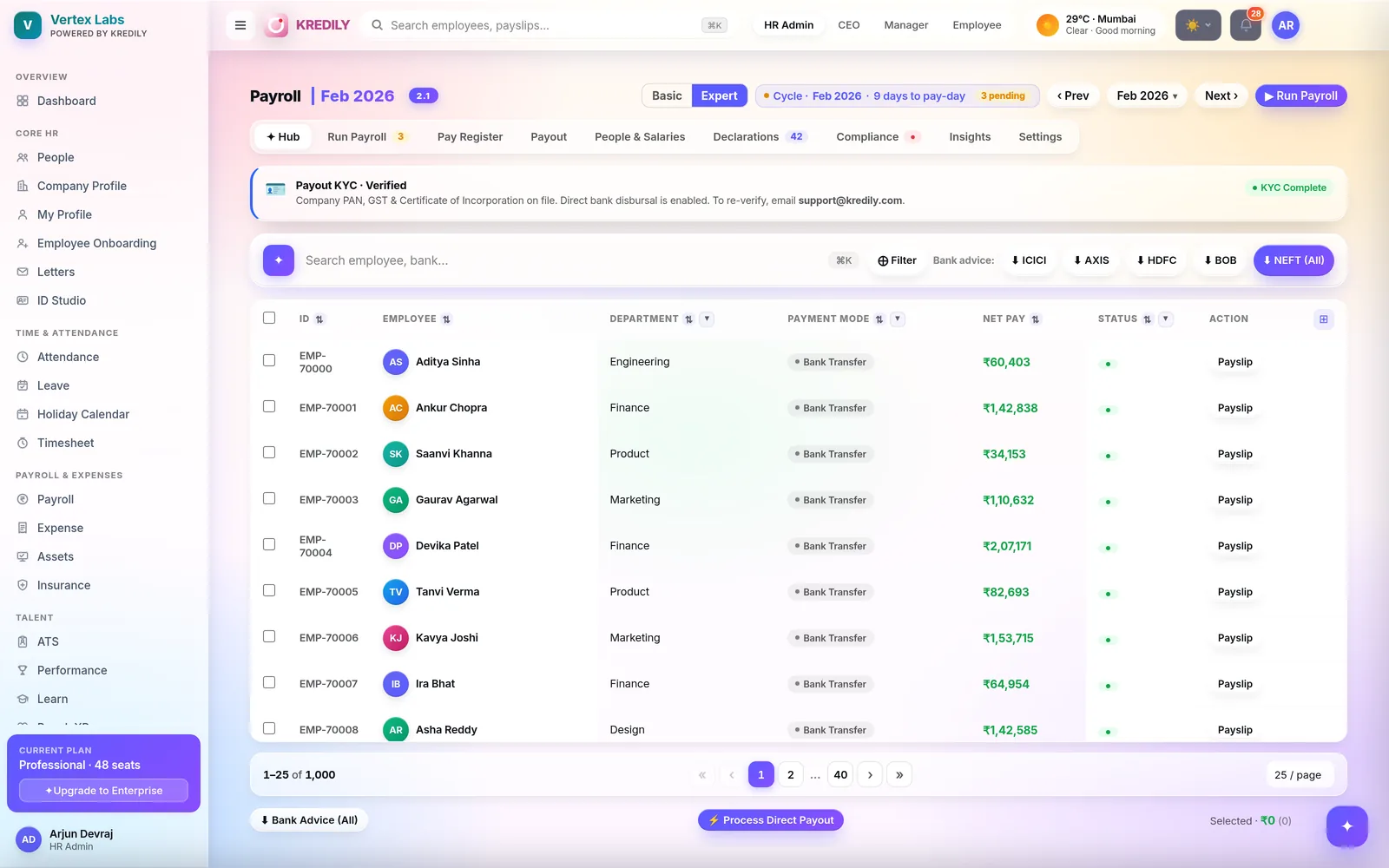
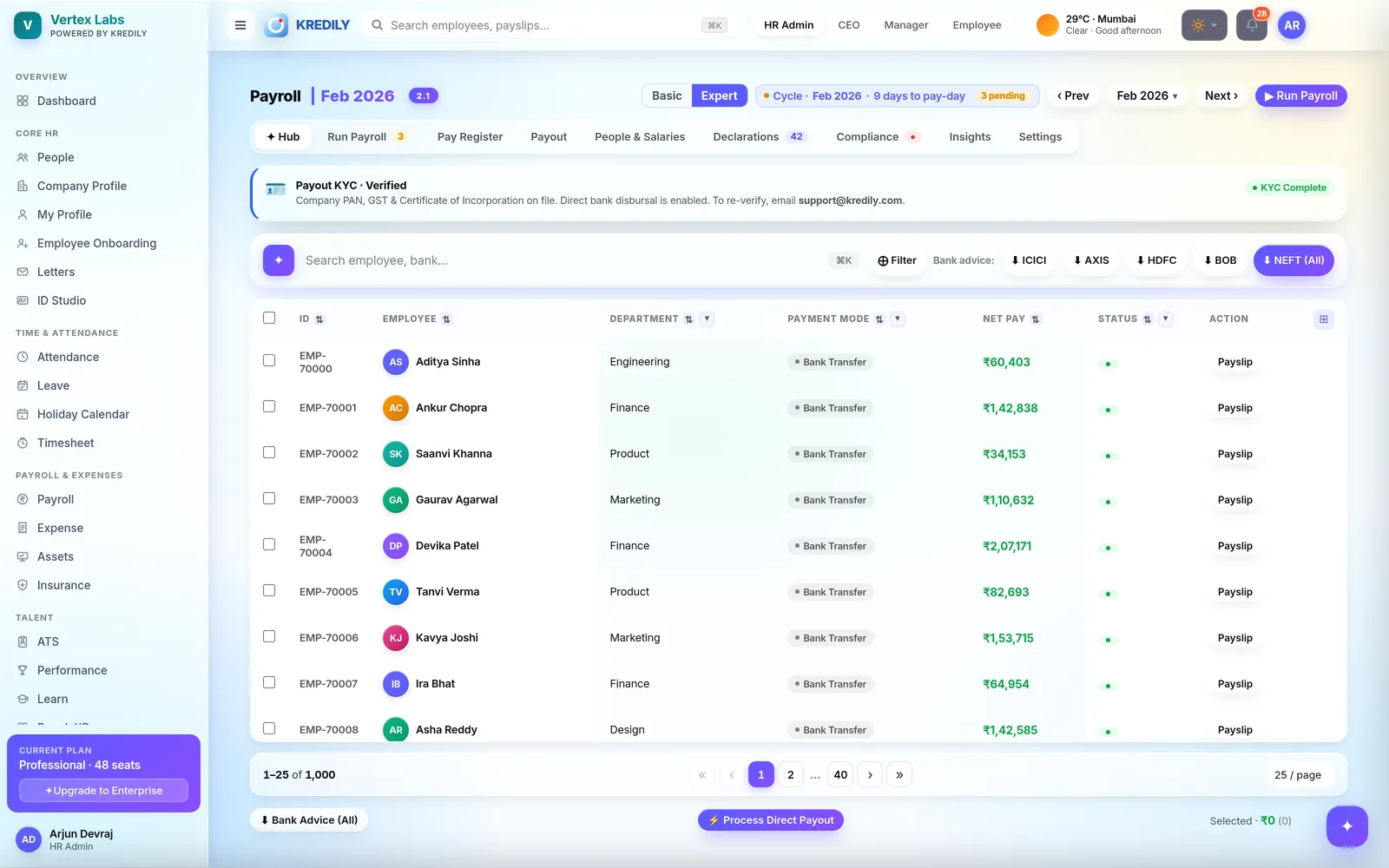
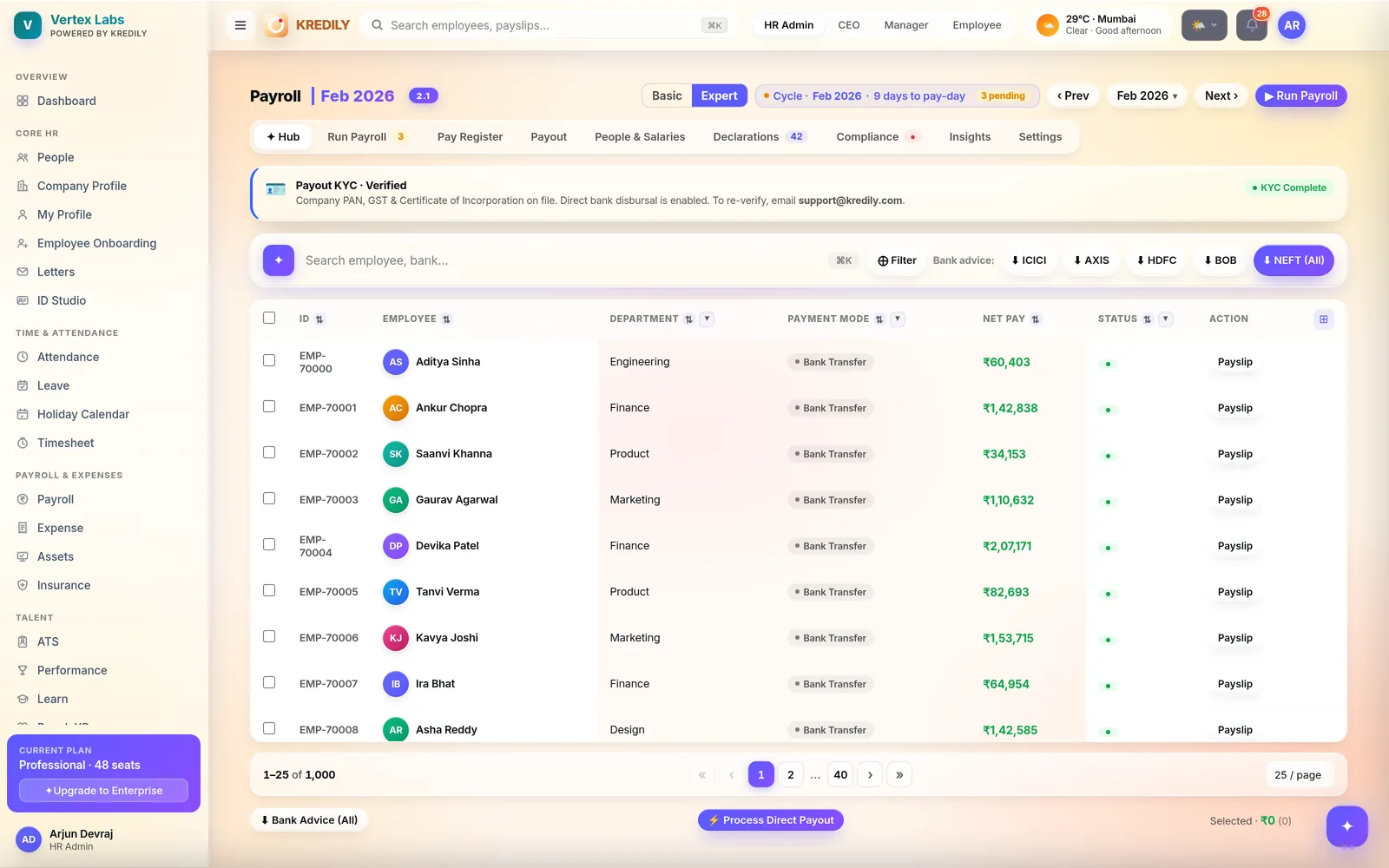
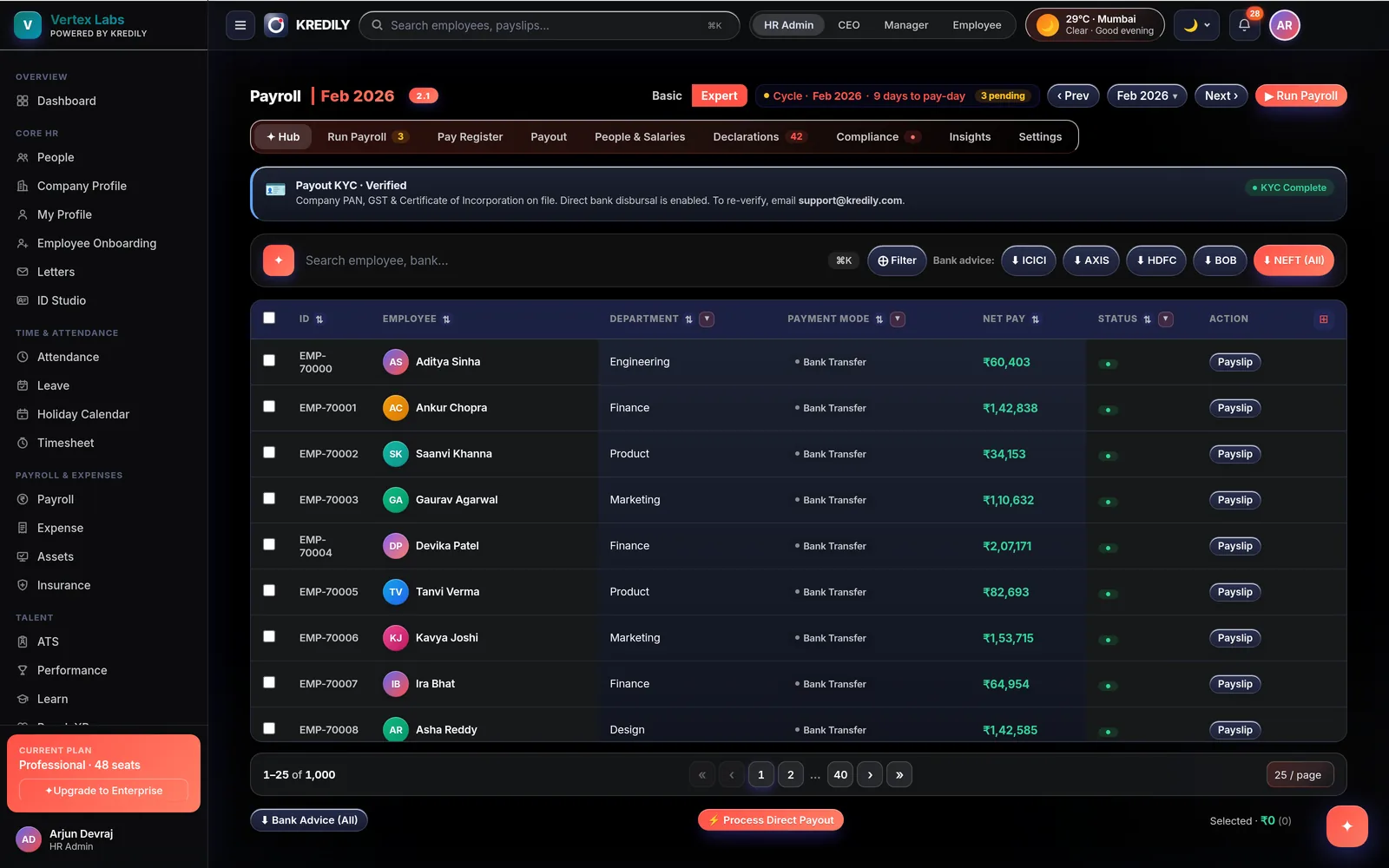
Kredily disburses salaries directly through its ICICI Bank integration — and generates ready-to-upload bank advice files for every other bank. Track every transfer, retry failures in a click, and settle reimbursements alongside salary or on their own.
AI checks the run before a rupee moves
The Kredily AI Copilot and Workforce Intelligence sit inside payout — so problems surface before disbursal, not after.
Blockers, pre-flagged
Missing bank details, unverified accounts and held payouts are surfaced before you press disburse.
Failures, explained
"Why did Anita's transfer fail?" — the Copilot answers in plain English and queues the one-click reprocess.
Payout intelligence
Disbursement status, expense payout patterns and fraud signals feed Workforce Intelligence for the finance review queue.
The last step of payroll, finally in the same tool
Most payroll software stops at a bank file. Kredily finishes the job.
Approve the run
Payroll calculates, you review the register and approve. Every employee's net pay is locked and payslips are generated.
Disburse
Pay directly through the ICICI integration — or download a bank-advice file formatted for your bank and upload it to net banking.
Track to the last rupee
Watch each transfer move from initiated to paid. Failures are flagged with the reason and retried in a click.
Direct with ICICI. Compatible with every bank.
ICICI direct integration
- Disburse salaries without leaving Kredily
- Bank-grade RSA encryption on every instruction
- KYC verification built into setup
Bank advice files
- Named formats for ICICI, Axis, HDFC and Bank of Baroda
- Generic NEFT format for everything else
- Generated per cycle from the approved register
Status & retries
- Per-employee status: unpaid → initiated → paid
- Hold individual payouts without blocking the batch
- Failed transfers reprocessed in one click
One payout engine for everything you owe your team
Salary payouts
The final stage of every payroll run — bulk-select, disburse, done. Payslips and the register stay perfectly in sync.
Expense reimbursements
Approved claims land in a ready-to-reimburse queue. Settle them with the salary run or pay out standalone — bank transfer, UPI, cash or cheque.
Partial & held payouts
Hold a departing employee's payout, release the rest of the batch, and keep a clean audit trail of who was paid what, when.
Secure by design
RSA-encrypted bank instructions, KYC-verified accounts, and role-gated access — finance approves, everyone else just sees status.
Money movement your auditor will like
Set the payout date
Fix your salary date once; the run schedules around it and everyone knows when money lands.
Role-gated approvals
Only finance-admin roles can disburse. Encrypted instructions (RSA) and KYC-verified accounts under the hood.
Audit trail on everything
Every hold, release, retry and disbursal is logged — who, what, when — reconciled against the pay register.
Payout questions, answered
Which banks does Kredily support for salary payout?
What happens if a salary transfer fails?
Can I pay reimbursements together with salary?
Can I hold one employee's payout without stopping payroll?
Is payout included in the free plan?
How is the payout secured?
Can I set a fixed salary date each month?
Explore the rest of the platform
Approve payroll. Press pay. Done.
Salary disbursement inside your payroll — direct via ICICI, compatible with every bank.