


Timesheets that fill themselves
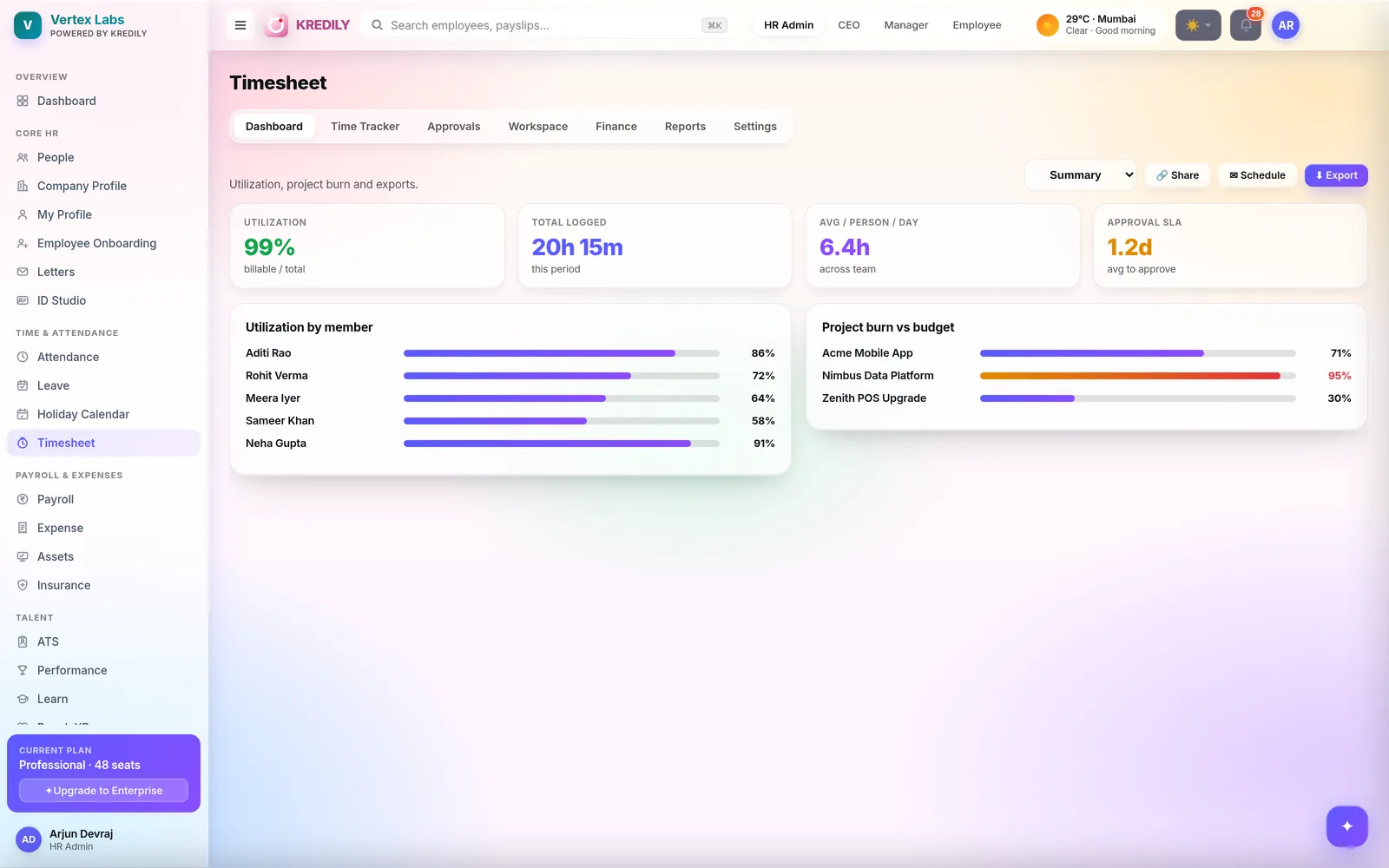
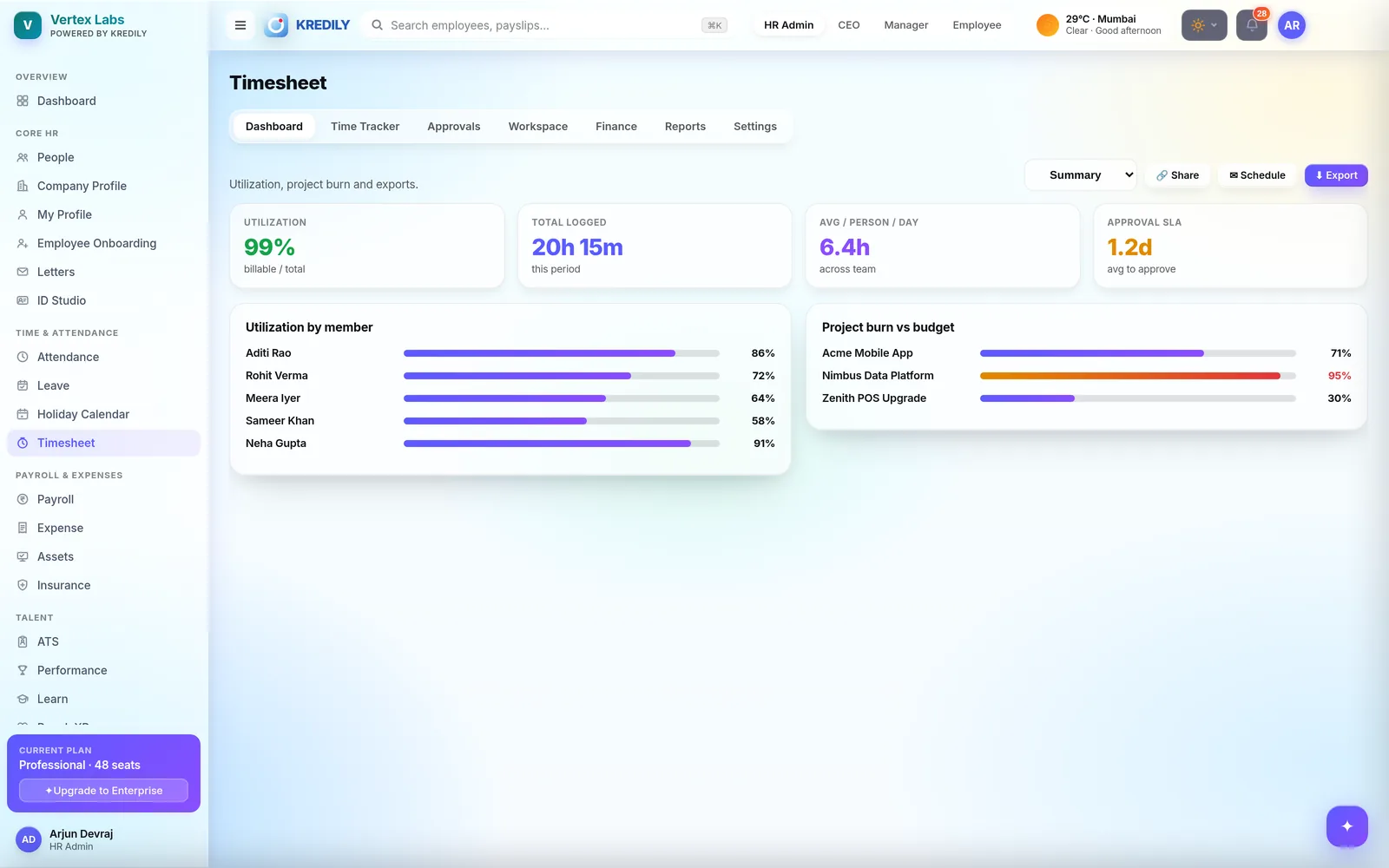
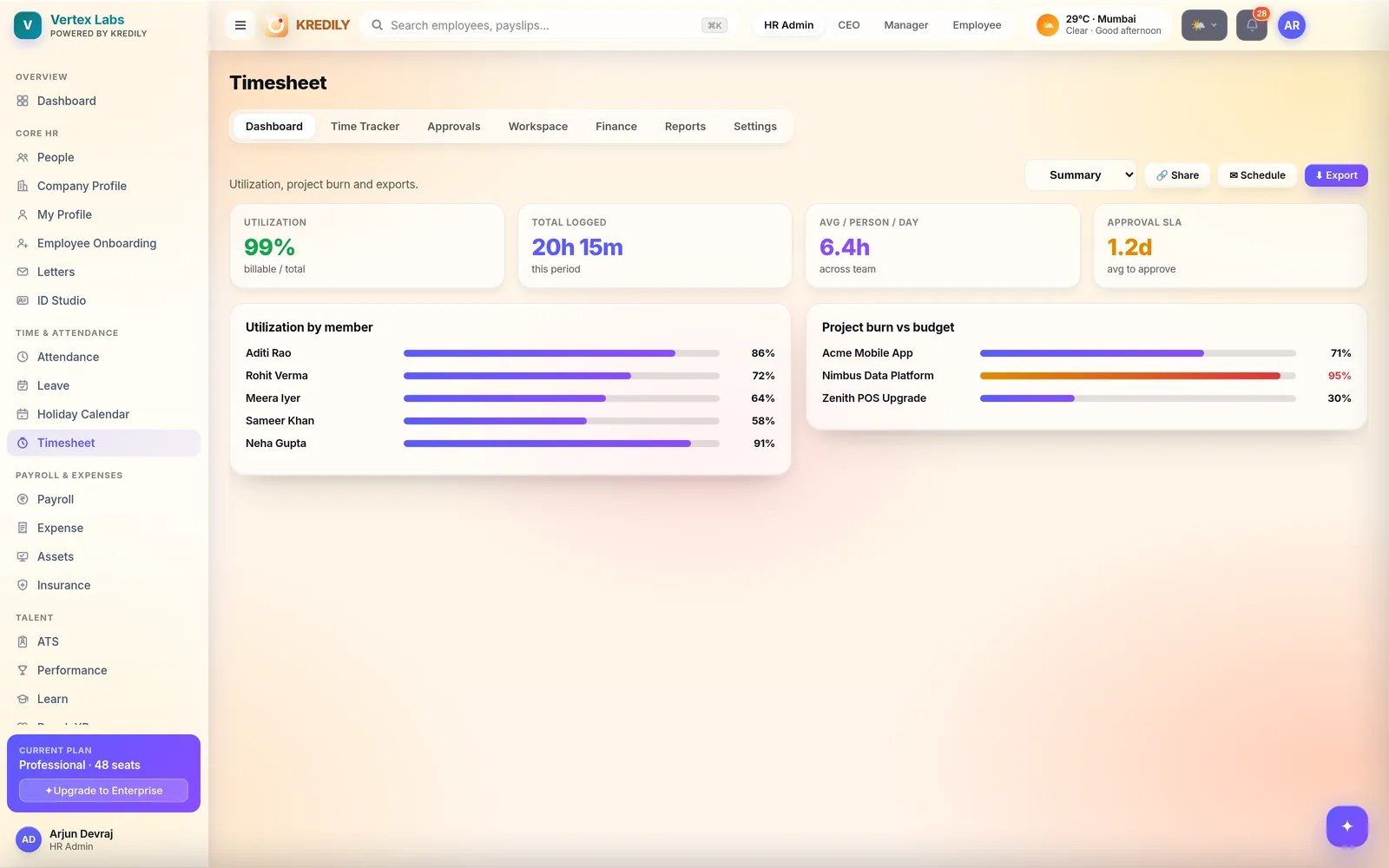
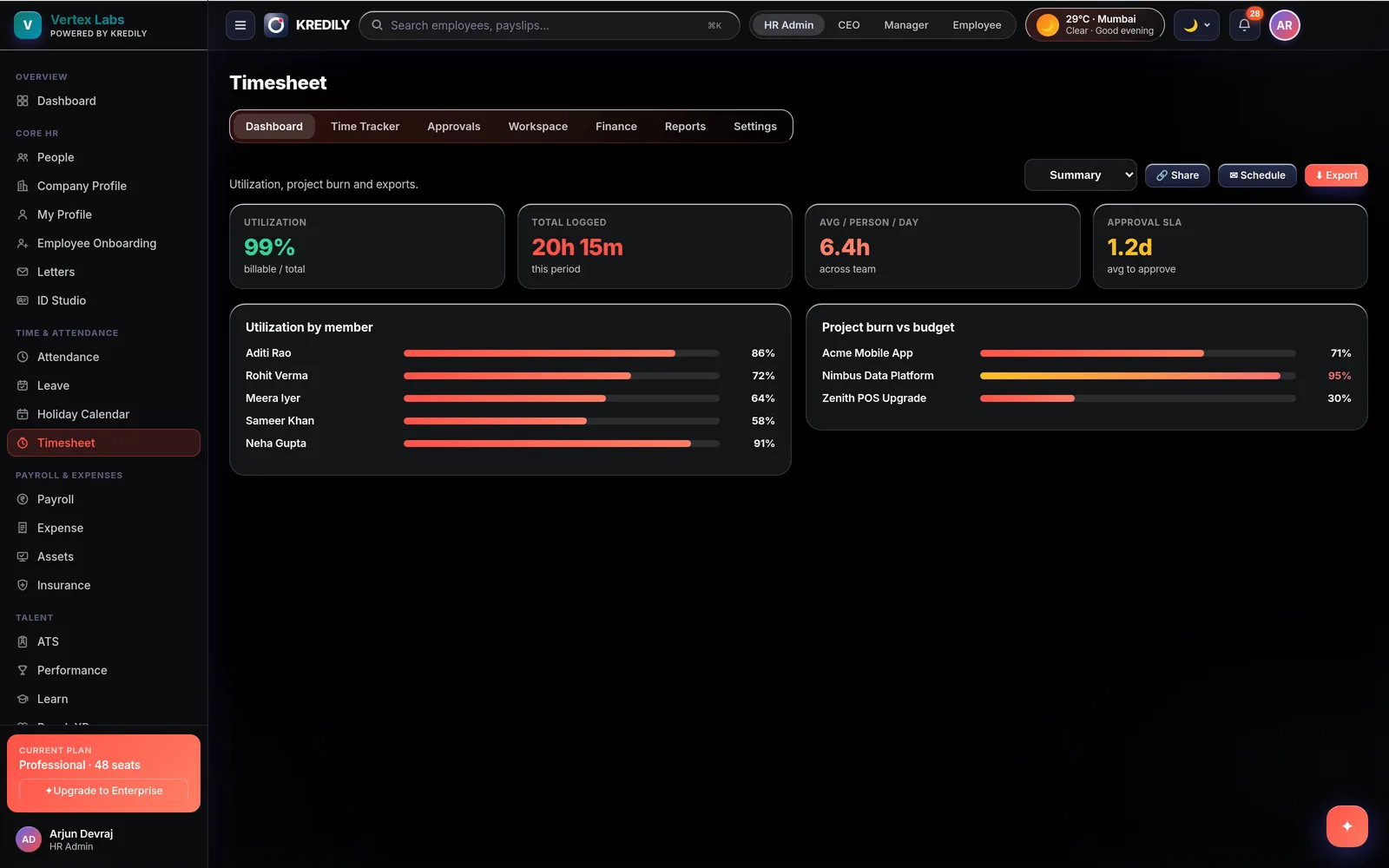
Track time by project and task — built on the same attendance data, so hours add up automatically.
Kredily timesheets sit on top of the attendance your team already records: log time against projects and tasks, route it through manager approval, and export it for billing and payroll reconciliation — no separate stopwatch app, no double entry. Rolling out as a paid add-on: book a demo for early access.
The Copilot already knows your hours
Timesheets ride on attendance — and the AI Copilot answers from that same data, role-gated so everyone sees only their own slice.
Employees ask
“How many hours did I work last week?” — plain-English answers from the punches and work durations your timesheet is built on.
Managers ask
“Show my team’s work hours this week” — the AI Copilot is role-gated, so managers see their team and only their team.
Anomalies caught early
Missed punches and attendance anomalies are flagged before they corrupt the week’s hours — fix the punch, and the timesheet stays honest.
Time tracking, without the busywork
One app for the whole loop: log, approve, export.
Time Tracker
Log hours against projects and tasks — launched straight from your Kredily dashboard, on the attendance your team already records.
Workspace
Organise the projects and tasks people log against, so time rolls up the way your delivery actually runs.
Approvals
Managers review and approve time logs — and, if you allow it, approvers can correct entries during approval instead of bouncing them back.
Attendance integration
Timesheets reconcile against attendance punches, so logged hours and actual presence never drift apart.
Permission controls
Decide who creates time logs — the employee themselves, their manager, or an admin — per your company’s working model.
Finance view
Time by project, person or period — exportable for billing, payroll reconciliation and utilisation reviews.
Three settings panels, one honest timesheet
Time Log Settings, Permission Settings and Attendance Integration — the rules live in the product, not in a wiki.
Time logs
- Hours logged against projects and tasks, not a bare total
- Time Log Settings control how entries are recorded
- Built over attendance — hours add up from data that already exists
Approvals
- Managers review their team’s time before it counts
- Optional: approvers may edit time logs during approval
- Approved time is what flows to reports — clean by construction
Controls
- Permission Settings: creator can be Self, Manager or Admin
- Attendance Integration keeps timesheets and punches reconciled
- Enable per company — roll it out team by team
Hours feed the leadership cockpit
The attendance data under your timesheets already reports into Kredily’s analytics.
Hours, decoded
Work-hour trends by team and month — computed from actual punches and logs, not estimates.
Early warnings
Chronic overtime or a team consistently under hours shows up early — while you can still rebalance the load.
Connected to cost
Hours alongside payroll cost per team — utilisation with money attached. Explore the cockpit in Workforce Intelligence.
Log, approve, export
Log time
Employees (or their managers, per your permission settings) record time against projects and tasks over their attendance.
Approve
Managers review the team’s logs and approve — correcting entries during approval if you allow it.
Use it
Export approved time by project, person or period for billing, payroll reconciliation and utilisation.
Timesheet questions, answered
Are timesheets part of attendance?
Can employees log time against projects and tasks?
Can a manager edit a time log during approval?
Who can create time logs?
Can I export time for billing?
How do timesheets connect to payroll?
Do employees need a separate app?
Is timesheet included in the Free plan?
Explore the rest of the platform
Timesheets that reconcile themselves.
Project time on top of attendance — approved, exported and billing-ready.