


Leave management, policy to payslip
Any leave policy you can write down, Kredily can run.
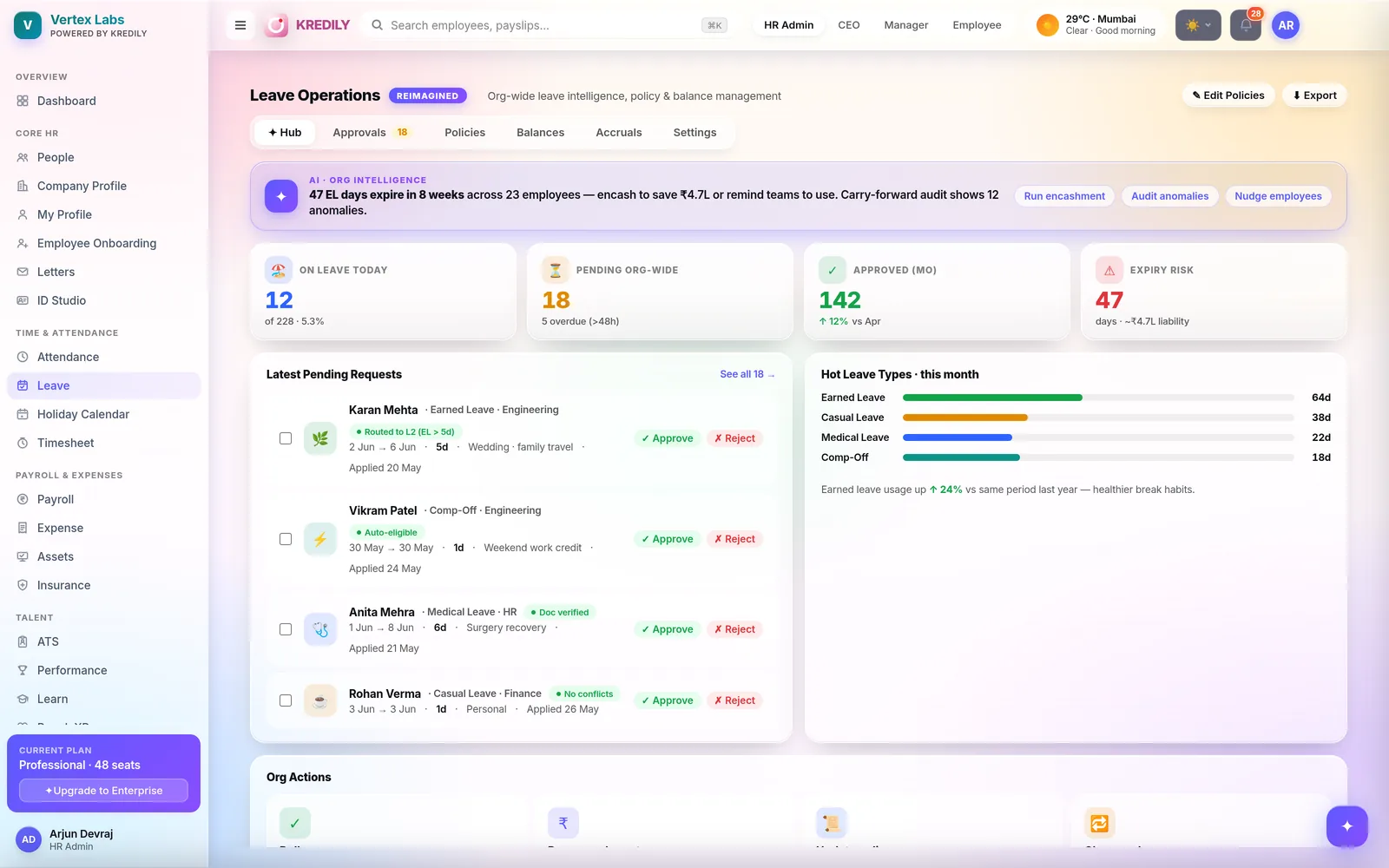
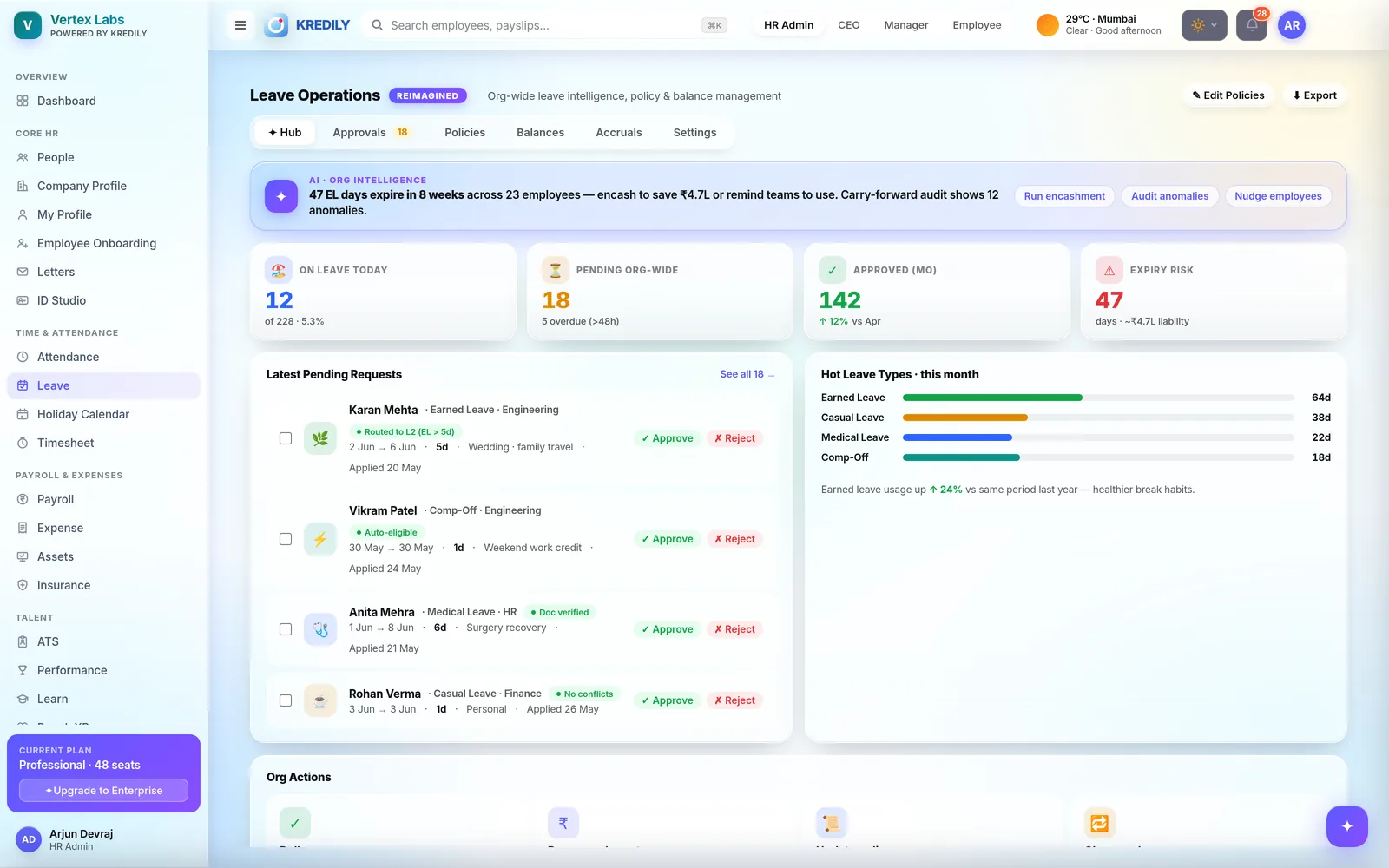
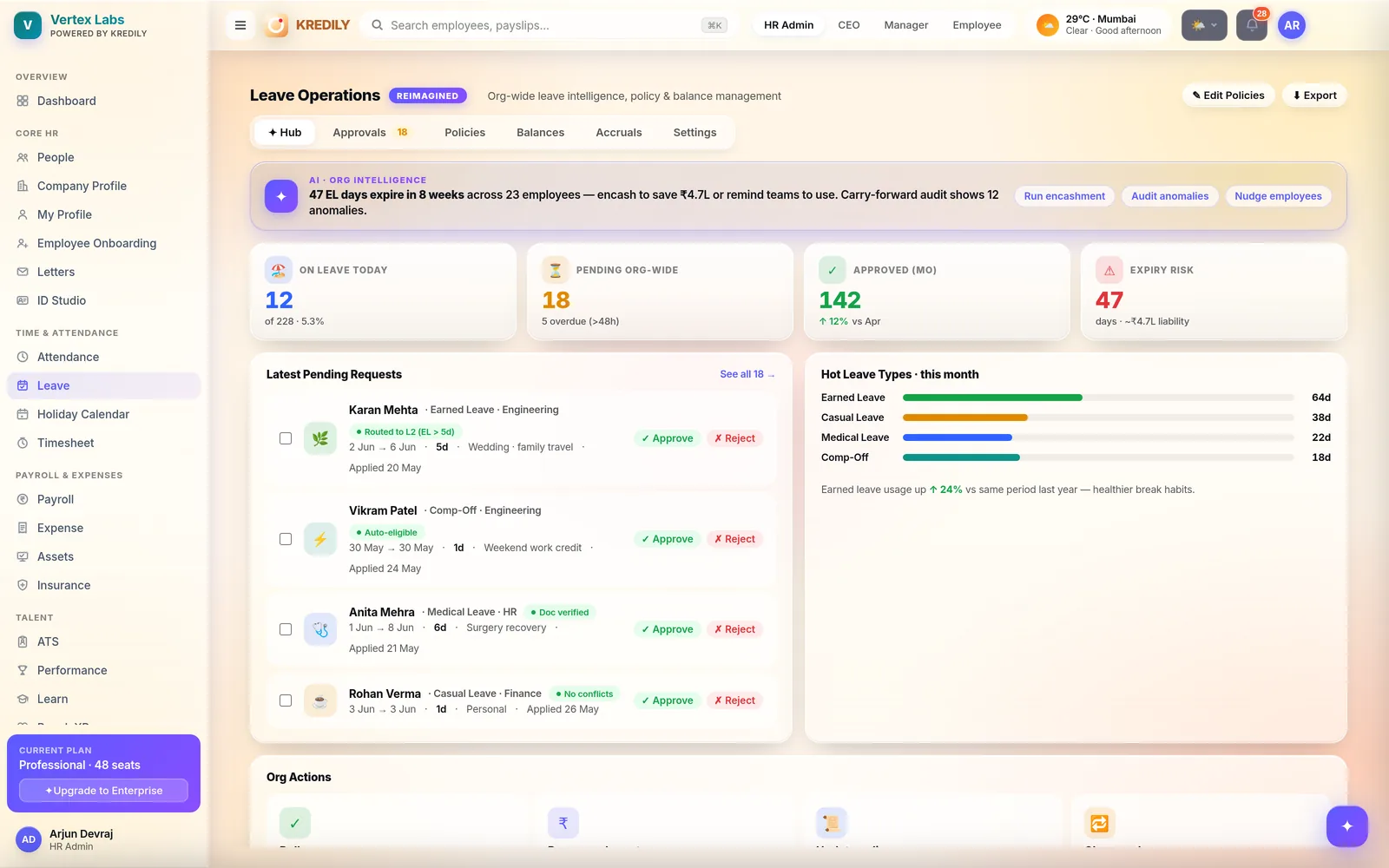
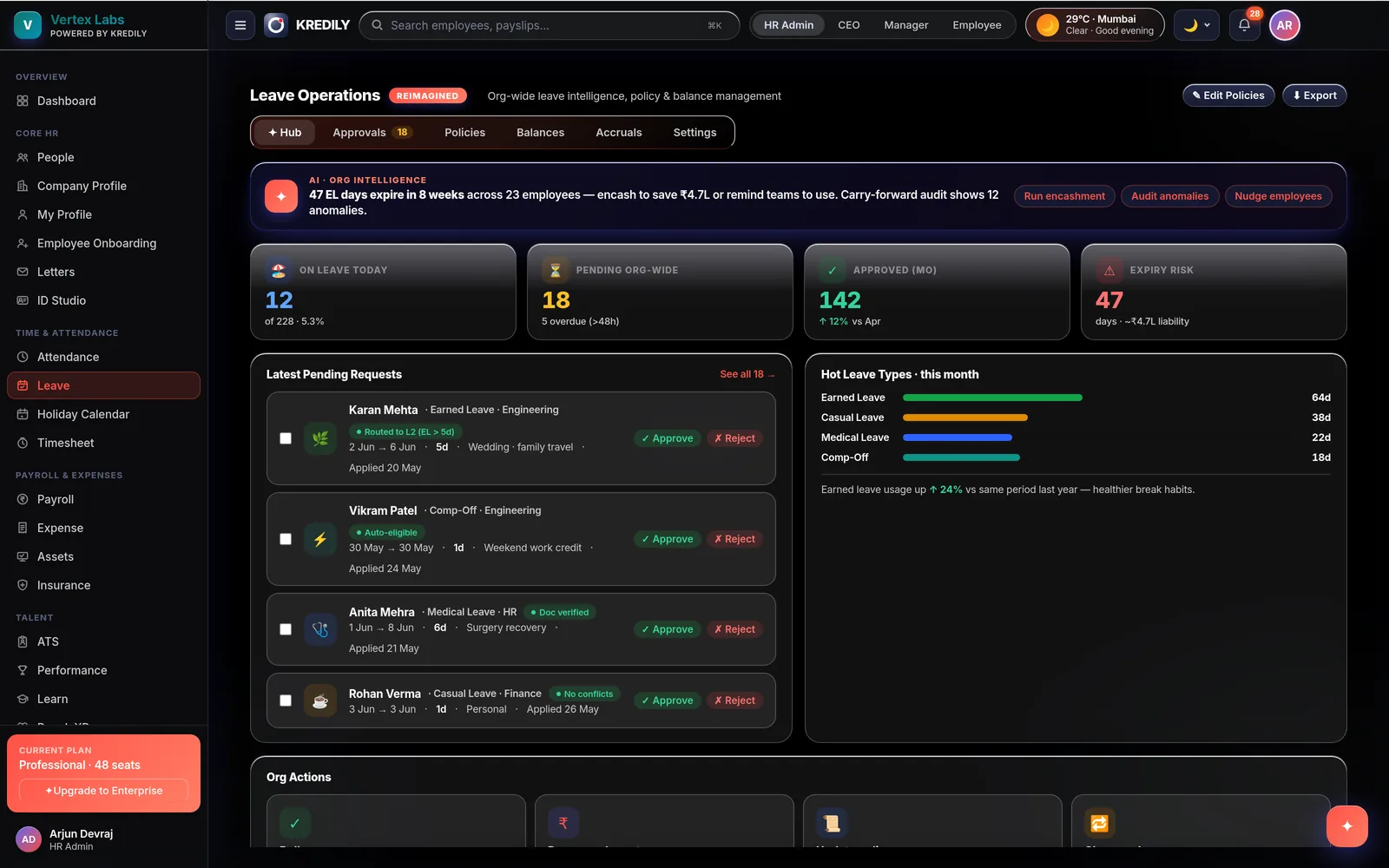
Fifty-plus policy controls — accrual schedules, carry-forward caps, encashment, sandwich rule, probation limits — bundled into rule-sets you assign per team. Employees apply in a tap; balances, approvals and loss-of-pay flow into payroll on their own.
Leave, in plain English
The Kredily AI Copilot handles leave conversationally — role-gated, grounded in your actual policies and balances.
Apply by asking
"Apply 2 days sick leave from Monday" — Copilot checks the balance, applies the policy rules and raises the request in one message.
Answers from your policy
"Can I carry forward my earned leave?" — answered from your company's actual rule-sets, not a generic FAQ.
Managers approve in chat
"Approve Priya's leave" — with balance and team-calendar context inline. Every action is permission-checked and logged.
Your policy, exactly — not a template's version of it
Configure once per leave type, bundle into rule-sets, assign by team, location or grade.
Accrual & balances
- Annual, half-yearly, quarterly or monthly accrual — credit at period start or end
- Pro-rata credit for mid-year joiners
- Carry-forward with caps, encashment, or lapse at year end
- Calendar-year or financial-year leave cycles
Rules & restrictions
- Sandwich rule — weekends and holidays inside a leave span count your way
- Notice periods, application windows and monthly limits
- Probation rules and negative-balance control
- Calendar-day or working-day counting per leave type
Rule-set bundles
- Bundle leave types into policies per team, location or grade
- Custom leave types beyond CL/SL/EL — as many as you need
- Bulk-assign employees with the shared directory picker
Approvals that keep everyone honest
One-tap approvals
Requests reach the manager's phone with balance and team context. Approve or reject in a tap — rejections require a reason.
Skip-level option
Route approvals to the manager's manager when you need a second gate — one toggle, no workflow builder required.
Cancel approved leave
Plans change. Approved leave can be cancelled by the employee or admin, with balances restored and everything logged.
Team calendar
Managers see who's out and when before approving — no more accidentally empty teams on a launch day.
Multi-location holidays and earned time off
Holiday sets by location
Bengaluru, Mumbai and Delhi don't share holidays — assign a separate calendar to each office, bulk-uploaded in minutes.
Optional holidays
Publish a restricted-holiday list and let employees elect their own — tracked against their entitlement automatically.
Comp-off, earned & spent
Work on a weekly off earns comp-off with an expiry; it's applied through the same leave workflow, so nothing leaks.
Audited balance edits
HR can adjust any balance — and every edit is logged with who, when and why. Clean answers at audit time.
December 31st, without the spreadsheet panic
Carry-forward runs itself
At cycle end, balances carry forward up to your cap, encash, or lapse — per leave type, per policy, automatically.
Encashment hits the payslip
Encashed days convert to pay in the payroll run — no manual computation, no reconciliation email thread.
Every number defensible
The accrual ledger and balance-edit audit trail mean any employee's closing balance can be explained line by line.
Leave reports into Workforce Intelligence
Every module feeds Kredily's leadership cockpit — leave included.
Utilization trends
Leave utilization by department and month — spot the teams that never switch off, and the ones always short-staffed.
Burnout watch
Barely any leave taken plus heavy overtime over 90 days is an early-warning signal — surfaced before people resign.
Exportable insights
PDF, Excel and CSV exports for leadership reviews. Explore the full cockpit in Workforce Intelligence.
From policy to payslip
Define policies
Set leave types, accruals, carry-forward and restrictions; bundle them into rule-sets and assign per team or location.
Employees apply
Apply on web or mobile against a live balance; managers approve with team context in a tap.
Payroll updates itself
Approved leave, LOP and encashment flow straight into the payroll run — no reconciliation spreadsheet.
Leave management questions, answered
Can I set up my own leave policies?
Does Kredily support the sandwich rule?
How do accruals and carry-forward work?
Can employees in different cities have different holidays?
How does comp-off work?
Does leave connect to payroll?
Can managers approve leave on mobile?
Can employees on probation have different leave rules?
Are half-day leaves supported?
Is leave management free?
Explore the rest of the platform
Leave that runs itself, payslips that match.
Set up in minutes. Free for unlimited employees. Any policy, enforced automatically.