


A single source of truth for your whole team
Every employee record, reporting line and field — searchable, permissioned and always current.
Kredily’s employee directory is the core HR record for your organisation: a power table that stays fast at thousands of employees, reporting-manager relationships that route every approval, bulk actions with effective dates, and role-based visibility on sensitive fields. Free for unlimited employees, and connected to payroll, attendance and leave so data is entered once.
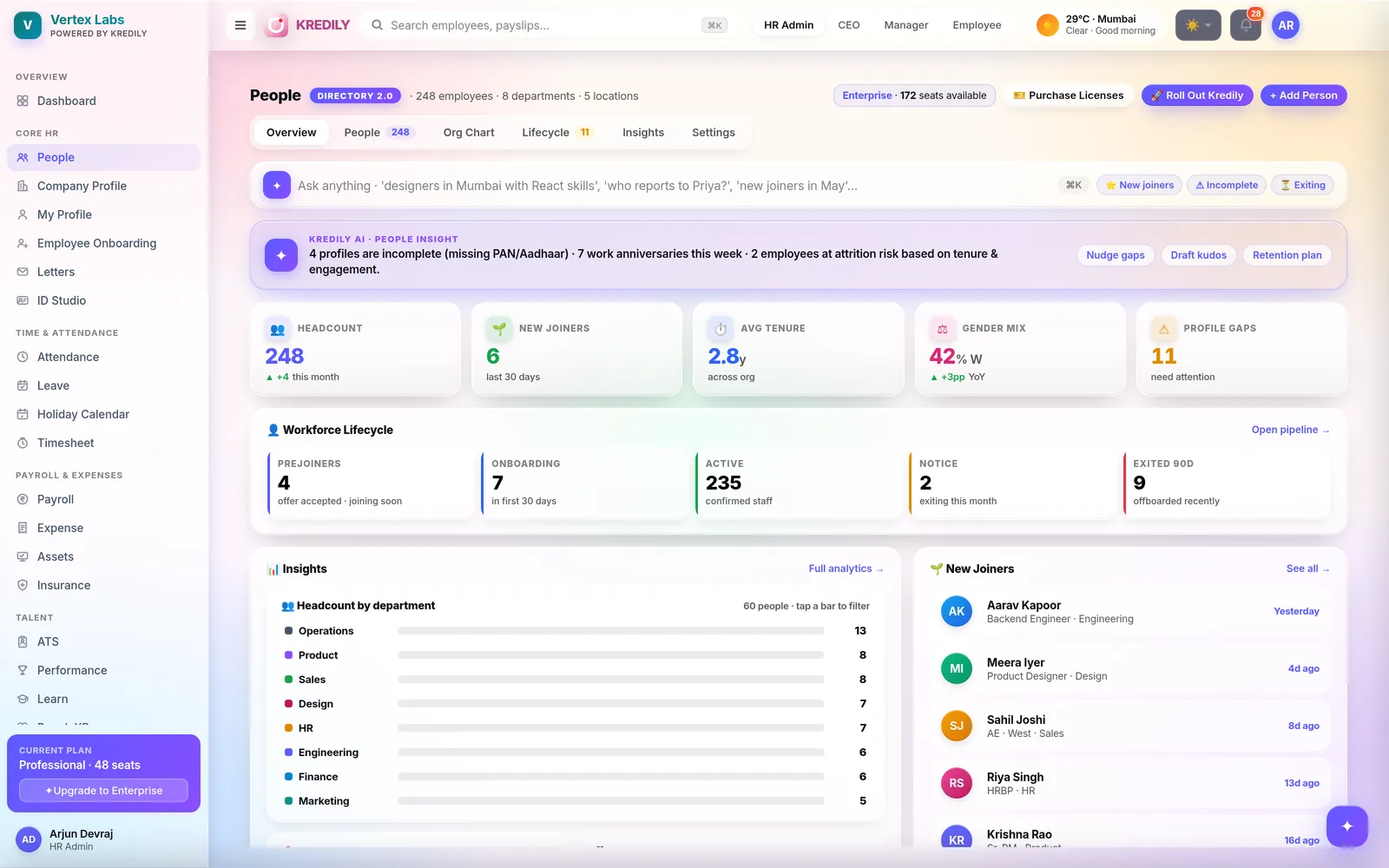
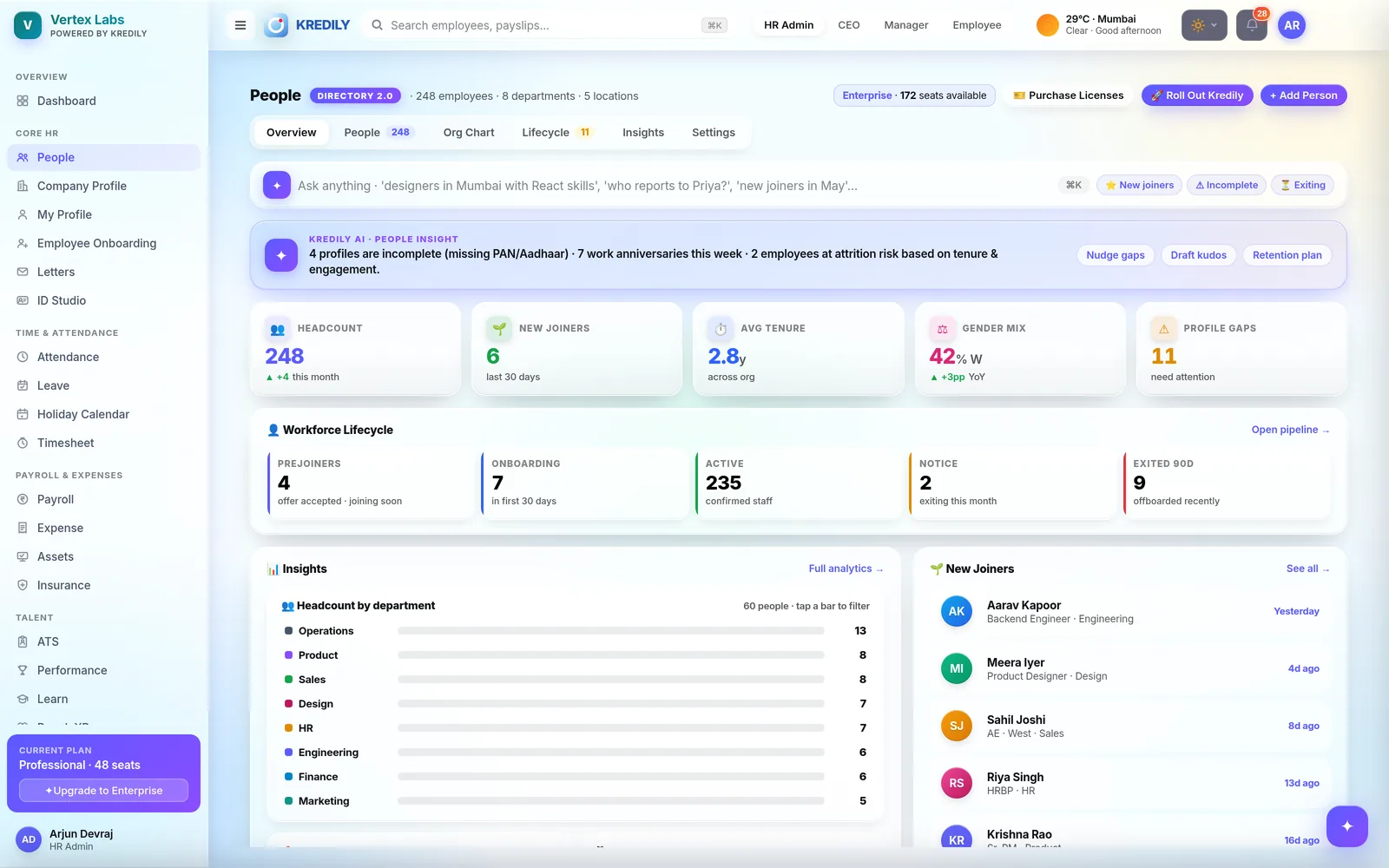
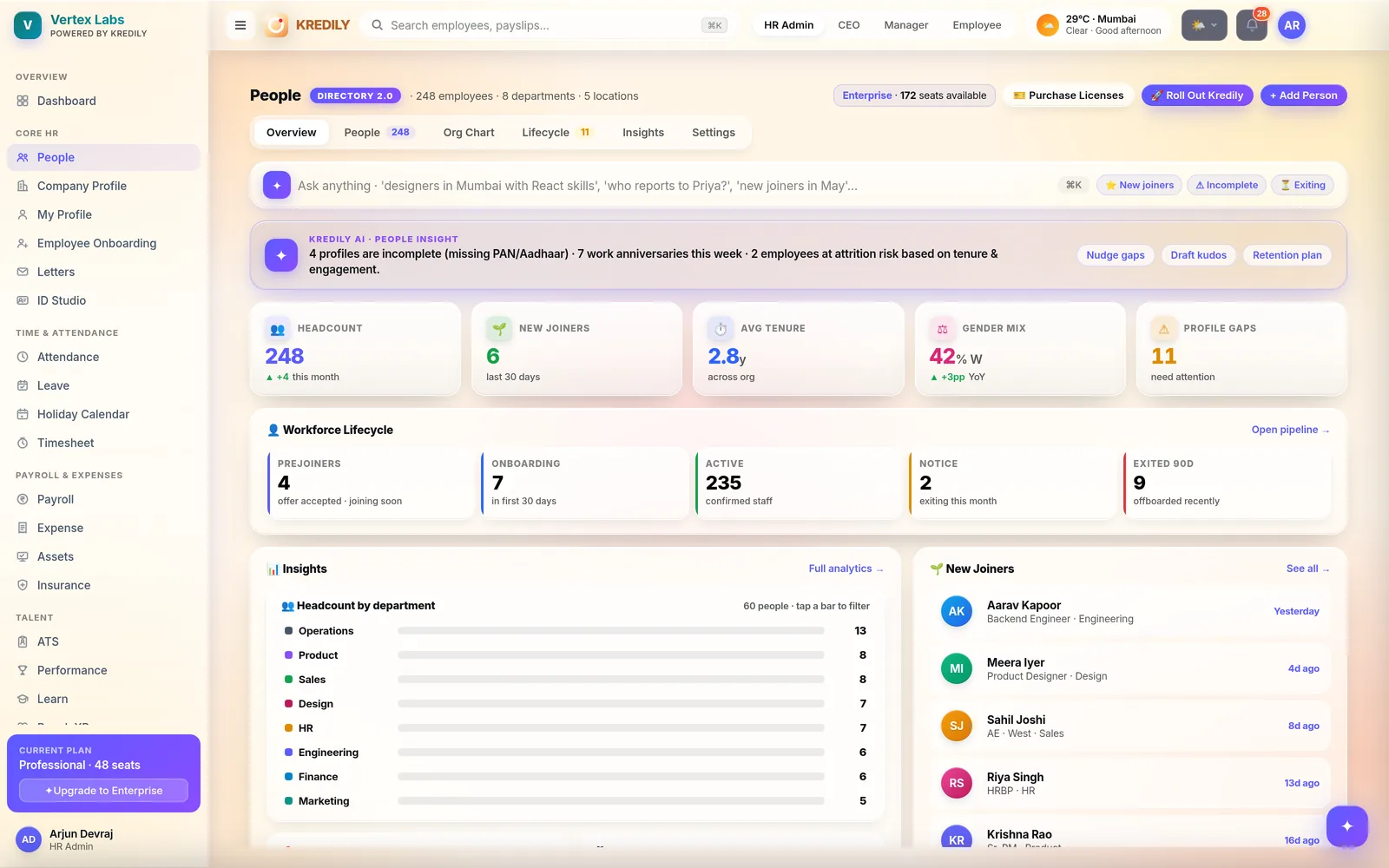
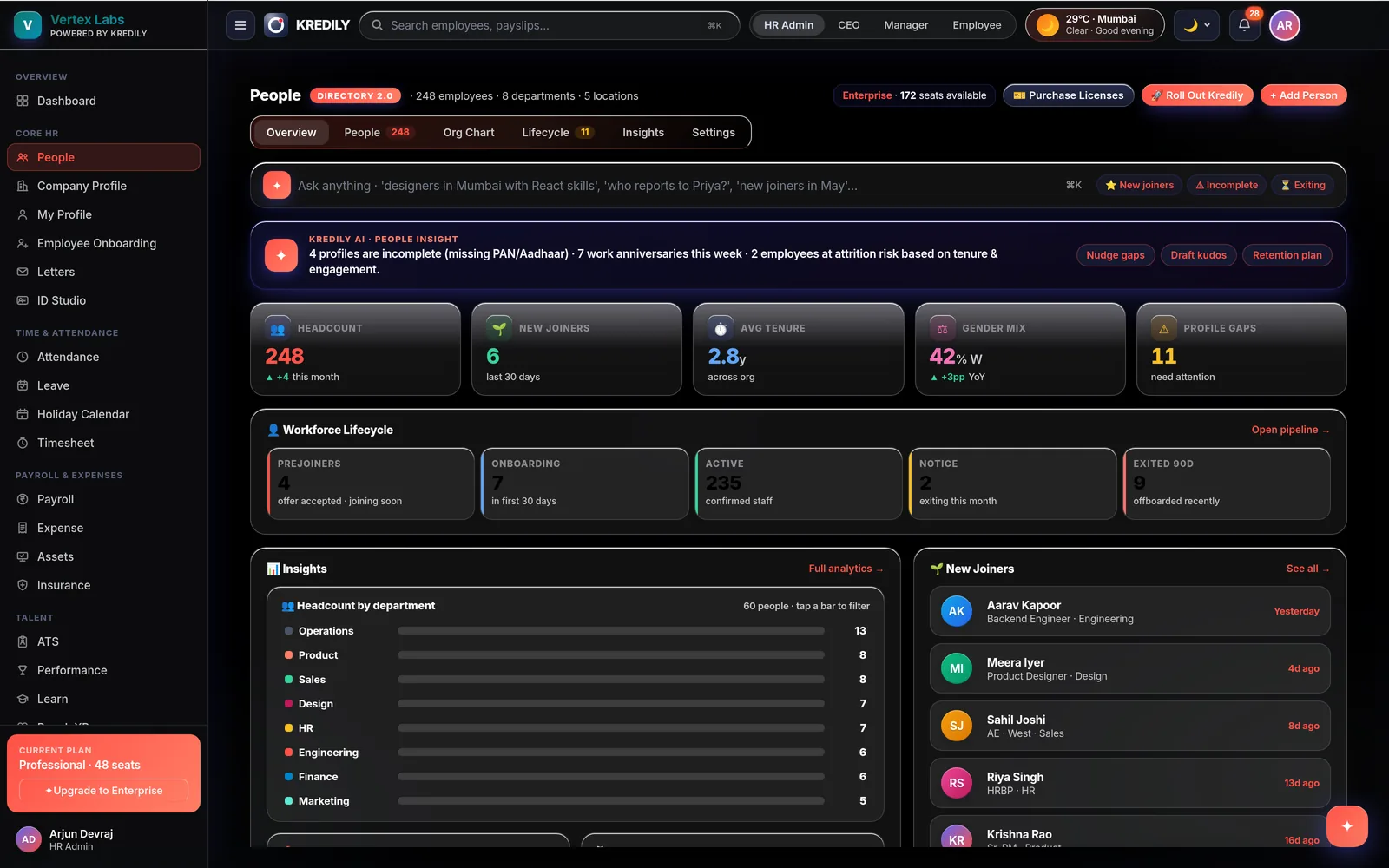
The directory answers in plain English
The AI Copilot is grounded in your live employee data and role-gated — everyone sees only what their role allows.
Anyone can ask
“Who is Priya Sharma’s reporting manager?” “Show me everyone in Engineering, Bangalore.” Instant answers from the record, without opening a single filter.
HR asks, then acts
“List employees who haven’t signed in yet” — then re-invite them from the same screen. Guided, approval-gated actions: nothing irreversible happens without a human yes.
Watches the data
New joiners without a reporting manager, incomplete profiles ahead of a pay run — surfaced early, before they misroute an approval or block payroll.
Built for a 1,000-person roster, not a 10-person demo
Filter, then paginate — the directory stays fast and readable however wide your data gets.
Find anyone, instantly
- One search across name, ID, department, role, location and email
- Sort any column; shift-click for multi-level sort with priority badges
- Every column has the right filter for its type — pick-lists, contains, date from/to
Built for wide data
- Identity columns (ID + name) frozen left, status & actions frozen right while the middle scrolls
- 16 columns — manager, grade, probation, contract validity, billable and more — show or hide per view
- Comfortable/compact density, frozen headers, and a proper pager with page-size control
Advanced filters
- Multi-condition filter builder: between, any of, none of — per field type
- Applied filters show as removable chips with one-click clear-all
- Quick pills for lifecycle: Active, Onboarding, Notice, On leave, No manager
Change 200 records as easily as one
Bulk edit, with an effective date
Update department, sub-department, reporting or secondary manager, designation, grade, location, status and probation across selected employees — dated, so history stays right.
Select all matching
Selection works across pages: filter to the exact set, select everything that matches, then act once.
Re-invite in one click
Employees who haven’t signed in are tracked; resend the Kredily invitation over email, WhatsApp or SMS.
Import wizard
Upload or paste a spreadsheet, map columns to fields, preview and validate, then commit — bad rows are caught before they land.
Export, scoped
Download CSV of everything, of the filtered set, or of just the selected rows — over exactly the columns you have visible.
Guided Add Person
A two-step onboarding flow — mandatory info, then optional personal, work and salary/bank details — with a pre-onboarding toggle for people who haven’t joined yet.
Reporting lines that actually do something
The directory isn’t a phone book — it’s where approvals, payroll and attendance get their org data.
Reporting managers
- Primary and secondary reporting managers per employee
- Change a manager and future leave & attendance approvals route to the new one automatically
- A live org structure of teams, departments and reporting lines
Company scaffolding
- Departments with sub-departments, designations and grades
- Work locations double as attendance geo-fences and drive Professional Tax by state
- Employee types and probation status tracked on the same record
Insights & completeness
- Headcount by department — click a bar to jump to that filtered list
- Location, gender diversity, tenure and employee-type mix at a glance
- Signed-in and mobile-user counts plus incomplete-profile flags — so records are payroll-ready
The directory feeds Workforce Intelligence
Because the record is the same one payroll and attendance use, the analytics are real.
Headcount, decoded
Headcount by department, location and employee type, with tenure mix — from live records, not a quarterly spreadsheet.
Early warnings
Profiles missing PAN or bank details before a pay run, joiners without managers before approvals misroute — flagged while they’re still cheap to fix.
One connected record
People data joins attendance, leave and payroll in one cockpit. Explore Workforce Intelligence.
Live the same day
Import your people
The import wizard maps your spreadsheet to Kredily fields, validates every row, and commits — or invite people to complete their own profiles.
Set structure & permissions
Departments, designations, locations and reporting managers; role-based permissions decide who sees sensitive fields like salary and bank details.
Everything stays in sync
The same record drives payroll, attendance, leave and approvals — enter data once, use it everywhere.
Employee directory questions, answered
Is the employee directory free?
Can I control who sees sensitive information?
How big a team can the directory handle?
Can I bulk-edit employee records?
Can I bulk-import employees?
What happens when I change someone’s reporting manager?
How do I get employees who never signed in onto the platform?
Can I filter and sort by any field?
Can I ask the AI about my org?
Explore the rest of the platform
One place for every employee record.
A power-table directory with reporting lines, bulk actions and permissions — free for unlimited employees.